Affiliate Product Review Video: A Simple Phone Workflow
A product can look impressive in a photograph and still leave the buyer wondering how it actually works. Does the hinge move smoothly? Is setup awkward? What happens when you use it at a normal desk?
A useful affiliate product review video answers a practical question with real footage, clear narration, and a recommendation limited to what you know. You can begin with your phone, a steady support, and a short plan. The important investment is capturing the right demonstration.
This workflow is for bloggers who can access the physical product they discuss. It covers a review for your blog or YouTube channel, rather than promising approval for an Amazon onsite video placement. Different publishing destinations have different requirements.
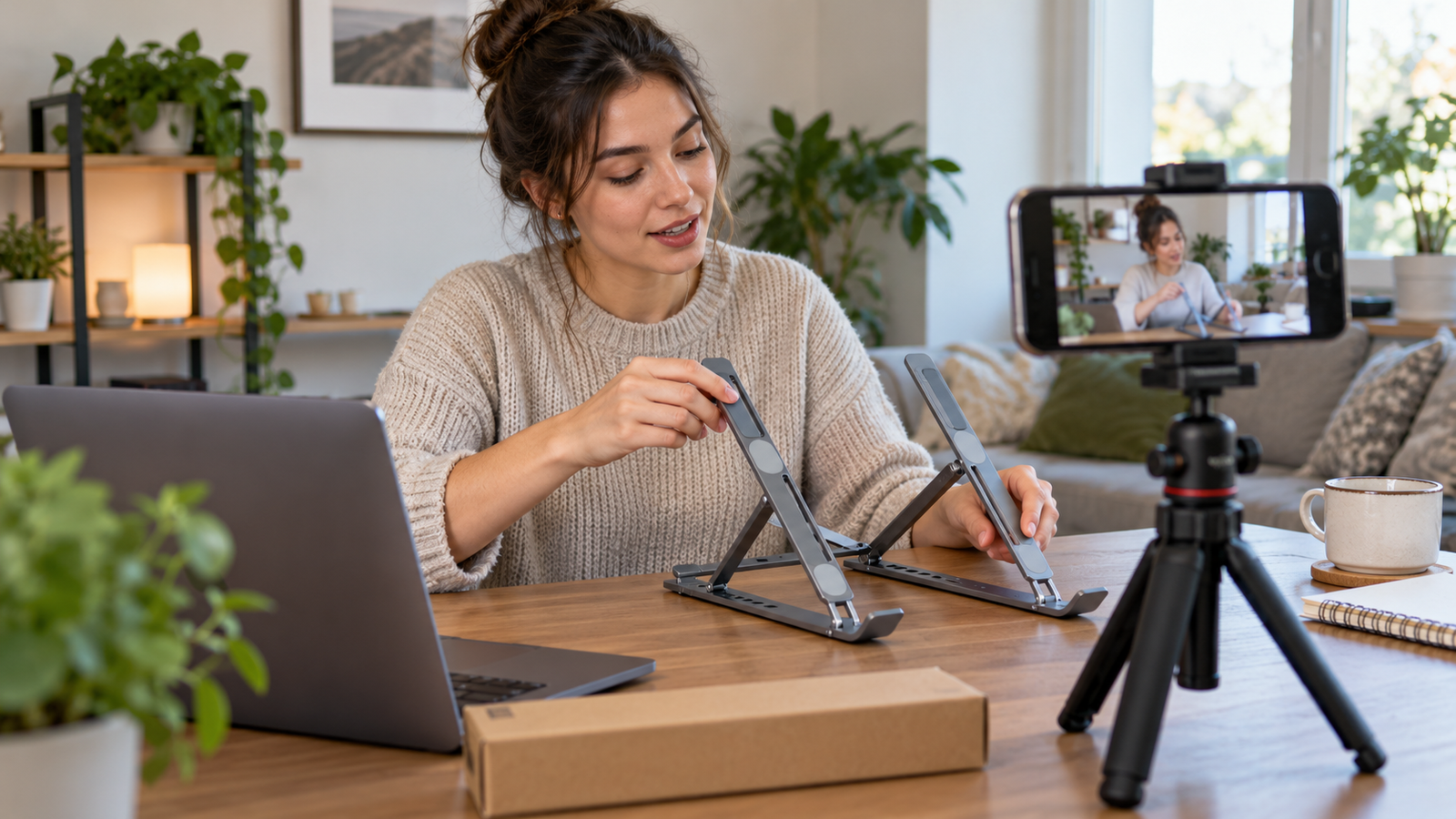
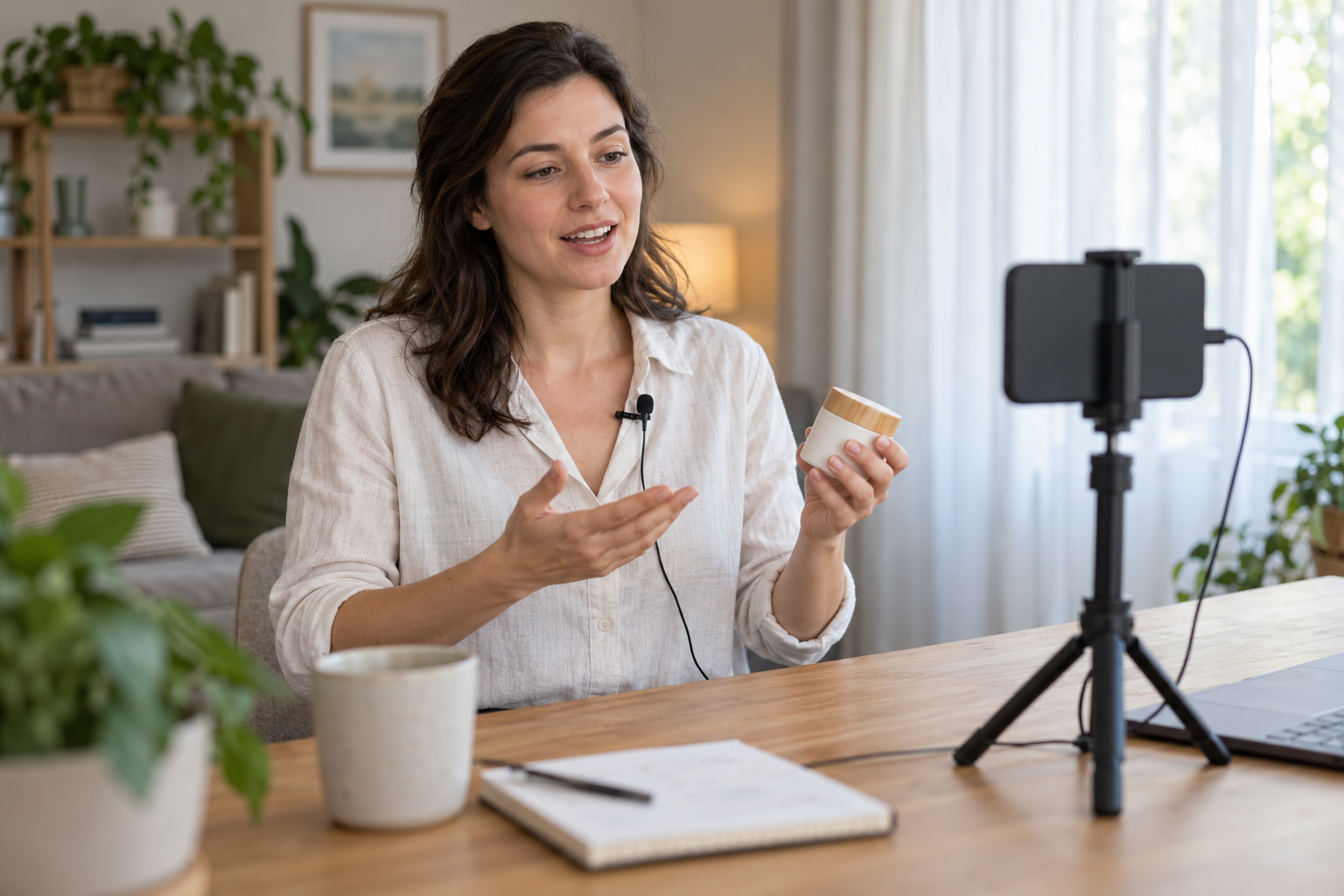
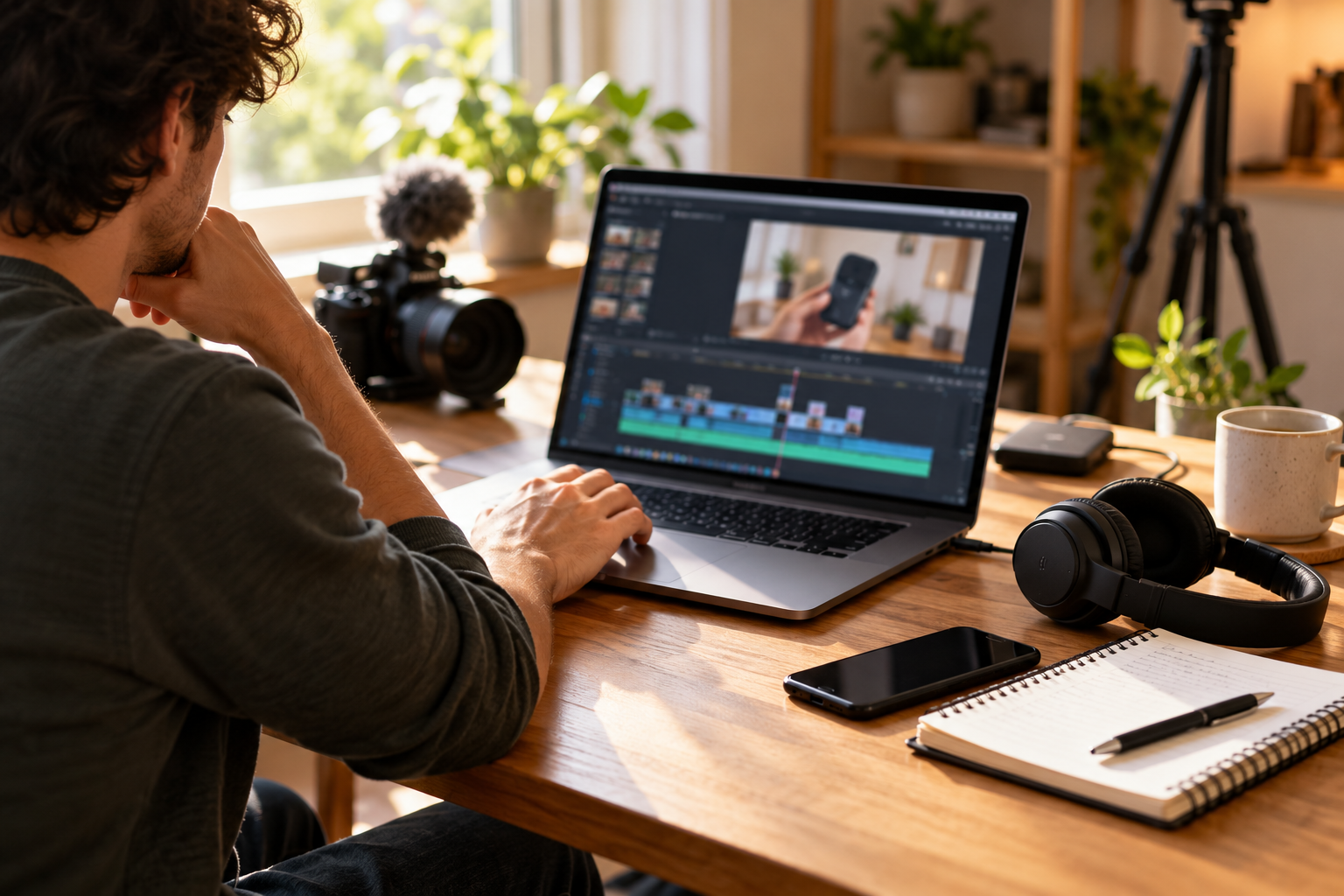
Illustration note: The images in this guide are AI-generated examples of filming and editing setups. They do not document products tested by MakeMoneyQ or actual review results.
Table of Contents
Give your affiliate product review video one useful job
Choose the question before recording. “A closer look at this stand” is broad. “Can I adjust this stand without lifting the laptop off it?” gives the demonstration a clear purpose.
Start with a product you can safely operate and a task relevant to your audience. Do not select a complicated device just because its affiliate commission looks attractive. The affiliate marketing beginner guide explains how recommendations fit a useful publishing business.
Write three lines: who the viewer is, which decision the video helps them make, and what you can genuinely demonstrate. Keep your scope narrow enough to verify before you press record.
Separate observations from specifications
Make two columns in your notes. Put your own observations in one and manufacturer statements in the other. Attribute a quoted specification instead of implying you measured it.
A video of a stand opening establishes how that example opens. It does not establish its load capacity or years of durability. A brief microphone sample does not prove performance in every room.
Google’s review guidance encourages evidence of experience and discussion of meaningful decision factors. Use the footage to support specific observations; adding video does not guarantee search rankings.
Plan the words and shots together
Use a two-column outline: what you will explain and what the viewer needs to see. This prevents a common mismatch—narration describing a difficult adjustment while the screen shows a decorative close-up.
Keep exact wording for disclosures, model names, and important limitations. Use short talking points for the rest so you can describe the action naturally.
| Part | What to explain | Footage to capture |
|---|---|---|
| Opening | The buyer’s question and your scope | The product in the relevant setting |
| Context | Exact model, configuration, and access | Identifying details without private information |
| Demonstration | The steps needed for the task | Setup, operation, and the resulting position or output |
| Limitation | Who may find the task awkward | A clear view of the relevant constraint |
| Recommendation | Who the product suits and what remains unknown | A steady closing view with an appropriate next step |
The outline is a planning tool, not a mandatory five-part formula. Remove sections that repeat information. Add a second demonstration when the decision genuinely requires it.
Example: an adjustable laptop stand
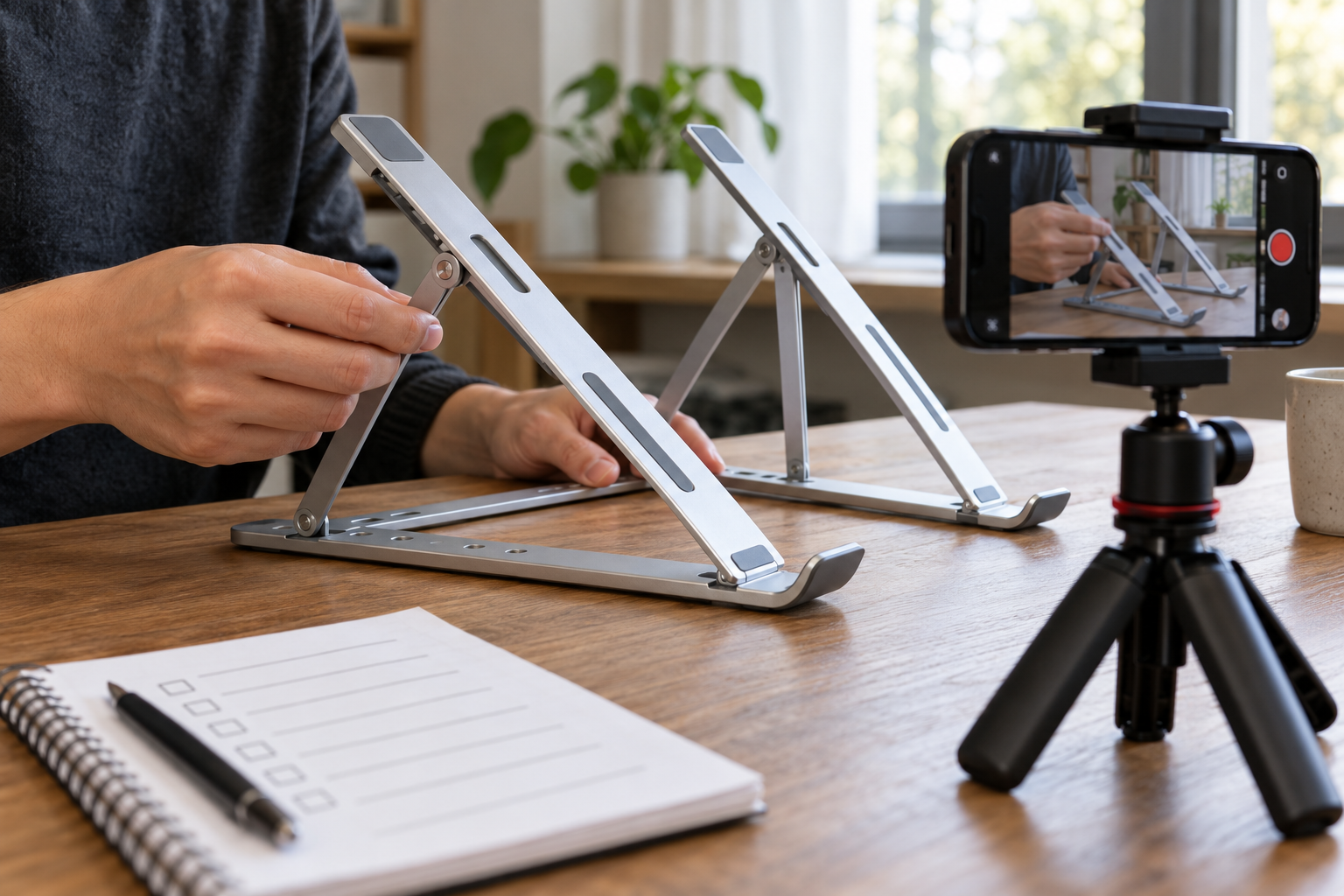
For a hypothetical stand review, record its starting position, show the adjustment, and show the final position with the same laptop. Keep enough of the desk visible to explain the movement.
If the manufacturer instructs users to remove the laptop before adjustment, follow that instruction. Explain the resulting inconvenience instead of staging an unsafe shortcut.
Record a continuous take of the important operation. You can add a close-up afterward, but retain the original so the sequence remains understandable. Do not call this example a completed test until you have actually performed it.
Make the demonstration easy to see
Choose your main destination before framing. A horizontal composition suits a conventional landscape blog embed. If you also want a vertical version, plan a separate frame rather than assuming every important detail survives a crop.
Place the phone where your hands will not hide the control. Rehearse the movement without recording. A side angle can explain an adjustment better than an attractive overhead view.
You can reuse the basic lighting principles in the guide to product photos for affiliate reviews. For video, also check what happens throughout the movement: a reflection may cover the control only when you turn the product.
Check a short recording before the full take
Record ten seconds, then inspect it at normal viewing size. Can you see the task? Is the relevant detail sharp? Does the image change brightness as your hand enters the frame?
Use focus and exposure locks when your phone supports them and the action stays in the same working area. Recheck after moving the camera or changing the light. A lock will not keep a moving object sharp at every distance.
YouTube’s mobile filming guidance covers stable exposure, lighting, and intelligible sound. Start with a manageable setting that records reliably on your device; there is no need to make 4K a condition for starting.
Record narration and product sound deliberately
Decide whether the sound itself matters to the decision. For a hinge demonstration, a spoken explanation may be sufficient. For a keyboard or fan, the operating sound could be part of the observation.
When sound matters, explain the recording conditions. Keep the microphone position and recording settings consistent between comparison clips. Avoid presenting a recording as a laboratory measurement unless you used an appropriate measurement method.
For ordinary narration, choose a quiet space, move closer to the microphone, and record a sample. Listen for clothing rustle, desk knocks, echo, and distorted loud words. An external microphone will not automatically remove those problems.
Use voiceover when simultaneous narration distracts you
Film the operation first if speaking makes your hands block the view or leads you to skip steps. Then record a short explanation while watching the footage.
Match each sentence to something the viewer can see. If you describe resistance, show the relevant movement rather than replacing it with unrelated footage. Label any repeated or slowed sequence when the timing could affect the viewer’s interpretation.
Keep a short section of clean room sound for editing transitions. Use it to smooth the presentation, not to conceal an important product noise.
Put disclosure into the viewing experience
Explain financial relationships clearly, including affiliate commissions and relevant gifts or sponsorships. For example, a creator could say, “This video contains affiliate links. If you buy through them, I may earn a commission.” Adapt the wording to the actual relationship.
Place an understandable disclosure in the video and beside the relevant links. Do not assume a description hidden behind “more” will explain the relationship to everyone who watches.
The FTC’s disclosure guidance recommends disclosures within video endorsements and notes that both spoken and visible disclosure can help viewers notice them. Its guidance concerns US consumers; requirements elsewhere may also apply.
As of October 2026, YouTube’s branded-content guidance explains its paid-promotion declaration and disclosure labels. Review the current policy for your arrangement. A platform label supplements your own clear explanation.
Watch the phone setup in practice
Think Media’s January 2026 tutorial demonstrates a phone filming setup. The section around 2:53 covers stabilization, followed by audio around 3:13 and lighting around 3:37. Those sections help you visualize the recording environment before arranging your product demonstration.
The video includes the creator’s own promotions and equipment recommendations. Use the setup explanation as a reference, then choose settings and accessories for your actual device and task.
Buy accessories only for an identified problem
First record a sample with the equipment you own. Buy something when you can name the obstacle it solves, such as an unstable frame or narration recorded too far from the phone. These are researched options, not products tested for this article.
Affiliate disclosure: This article contains affiliate links, and MakeMoneyQ may earn a commission from qualifying purchases. As an Amazon Associate I earn from qualifying purchases.
BOYA BY-M1 wired lavalier microphone
The verified BY-M1 listing uses a 3.5 mm connector and a clip-on microphone. It suits a stationary creator who wants the microphone near their voice while keeping the phone farther away for the demonstration.
Check the exact phone, adapter, recording app, and microphone mode before buying. A phone without a compatible microphone input may need an appropriate adapter; a headphone-only adapter is not necessarily sufficient. The cable also needs routing so it does not pull on the phone or rub against clothing.
View the BOYA BY-M1 on Amazon.
JOBY GripTight ONE GP phone support
This phone-holder and flexible-leg support suits a small tabletop arrangement where you need a repeatable camera position. It can help keep your hands free for operating the product.
Check holder fit with your phone case and the stability of the completed setup. It is not a tall tripod or a secured overhead support. Keep the phone over a stable base and test for tipping before starting the demonstration.
View the JOBY GripTight ONE GP on Amazon.
Skip either purchase if your existing equipment already solves the problem. Review your wider recommended blogging tools with the same practical filter.
Edit for clarity without changing the evidence
Remove repeated explanations, long pauses, and irrelevant setup. Preserve the steps that make the conclusion understandable, even when one of those steps is inconvenient.
Do not cut away precisely when a mechanism sticks, speed up a slow task without saying so, or add a sound effect that implies the product made it. A polished edit should clarify the experience you observed.
Add captions and check them manually, especially model names, units, and words such as “not.” Keep labels large enough to read on a phone. A tiny specification overlay does little for a viewer who cannot pause comfortably.
Run a final buyer-question check
Watch once without sound. Can you follow the action and notice the disclosure? Then listen without watching. Does the narration explain the task accurately without promising more than the footage supports?
Check the product variant linked below the video, the destination of each affiliate link, and any dated specifications. Avoid recording a price into evergreen narration unless you have a clear plan to update it.
Save the raw footage, finished export, script, and observation notes together. Retaining the source makes a correction easier than reconstructing the shoot later.
Publish one useful demonstration first
Embed the video beside the part of your review it explains, rather than making readers search for it. Introduce the question it answers and summarize the conclusion in text for people who cannot watch.
Connect the page to your broader affiliate SEO approach. Review viewer questions after publication and improve the next demonstration where people remain confused.
Start with one product, one buyer question, and one honest demonstration. That gives the video a clear job and gives you a repeatable process for the next review.
Frequently asked questions
Can I make an affiliate review video without showing my face?
Yes. Show your hands, the product, and the relevant operation, with narration or clear captions. The footage still needs to support your observations, and the affiliate relationship still needs disclosure.
Do I need to record in 4K?
No. Choose a setting your phone records and your workflow handles reliably. Clear framing, readable detail, intelligible narration, and a useful demonstration matter more than making resolution the starting requirement.
How long should an affiliate product review video be?
Use enough time to answer the buyer’s question and explain meaningful limitations. Remove repetition. There is no universal runtime that guarantees views, commissions, or approval on a publishing platform.
Can I review a product I have not used?
You can publish a clearly labeled research-based overview using verified information and appropriately authorized media. Do not describe invented personal experience or present generated footage as evidence that you tested it.
Is an affiliate disclosure in the description enough?
For a video endorsement, the FTC guidance recommends a disclosure in the video itself. Use clear spoken and visible wording where practical, plus disclosure beside the relevant affiliate links.
Should I buy a microphone before filming?
Record and listen to a sample first. If narration is unclear, try a quieter room and better microphone placement. Buy equipment only after checking compatibility and identifying a problem it can reasonably address.