
SEO & Content Optimization
How to Update Old Blog Posts for SEO
Most bloggers are sitting on traffic opportunities they already published. Old posts decay, rankings slip, information gets stale, and pages that used to pull visits slowly turn into dead weight. That is frustrating, but it is also fixable.
Updating old blog posts for SEO is one of the fastest ways to improve a site without starting from scratch. This guide breaks down how to refresh posts the smart way so they become more useful, more current, and more competitive.
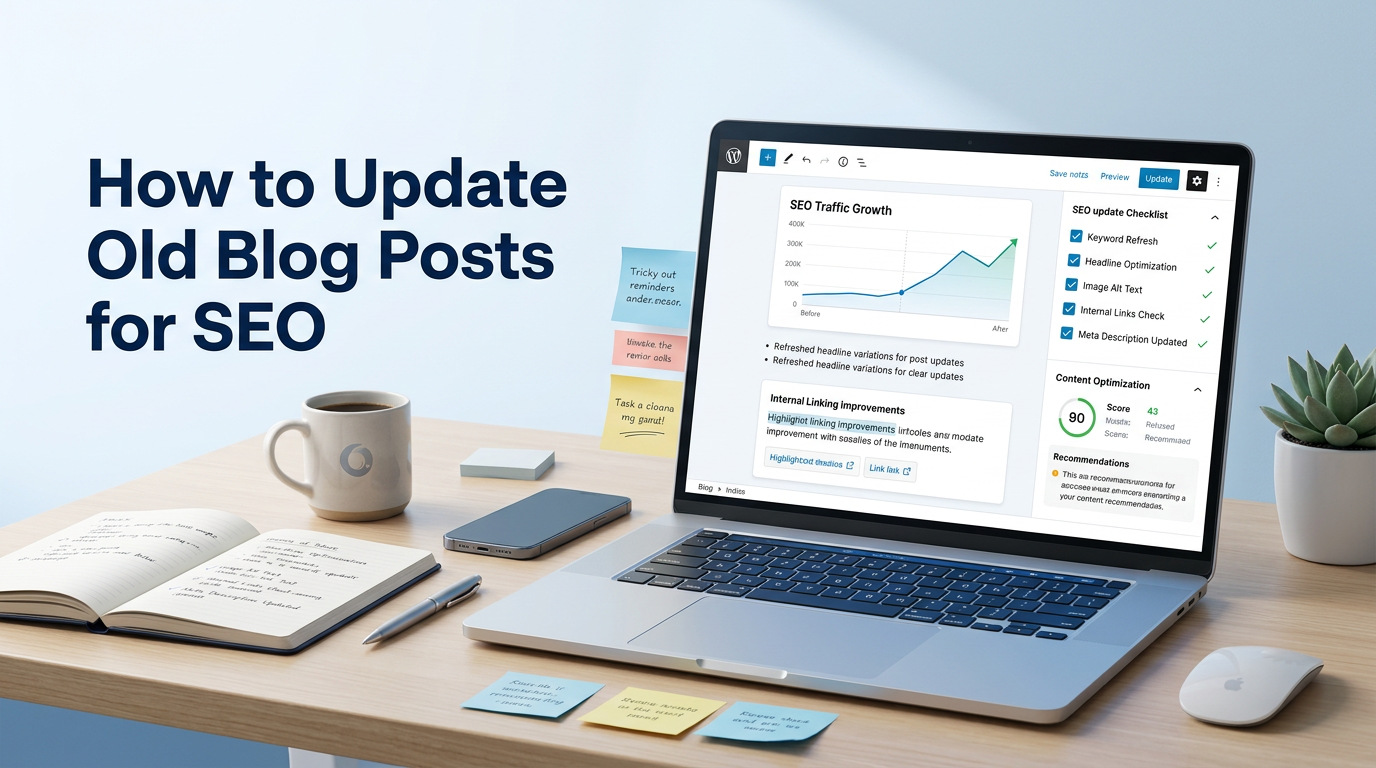
Why Updating Old Posts Matters
Google’s helpful content guidance says content should be created to benefit people, not just search engines. That matters here because old posts often stop being useful. Stats get outdated, screenshots look ancient, search intent shifts, and better competitors show up. Refreshing the post is often the right move when the topic still matters and the page still has value. :contentReference[oaicite:1]{index=1}
Yoast now explicitly frames old-content cleanup as update-or-delete, not “keep everything forever.” That is the right mindset. Some pages deserve a refresh. Some deserve consolidation. Some deserve removal. Treating every old post like it should survive forever is just bad portfolio management. :contentReference[oaicite:2]{index=2}
If you want a cleaner system for deciding what stays, what gets refreshed, and what gets cut, start with the free blueprint.
What to Update in an Old Blog Post
1. Fix the Search Intent Match
Before changing anything else, check whether the page still matches what searchers want. If the results now favor step-by-step guides, and your post is a loose opinion piece, that mismatch may be the real reason rankings slipped.
Updating for SEO is not just adding fresh words. It is making sure the post still answers the query properly.
2. Rewrite Weak Titles and Intros
A lot of old posts have dull titles and sleepy intros. Refreshing those can make a bigger difference than people think. Google’s starter guide emphasizes helping users decide whether they should visit your site through search, and titles and descriptions are a huge part of that. :contentReference[oaicite:3]{index=3}
Make the promise clearer. Tighten the opening. Get to the point faster.
3. Refresh Outdated Information
This is the obvious part, but it still gets done badly. If the post includes old data, dead tools, outdated screenshots, expired tactics, or references to features that changed, fix them. Yoast’s update guidance is blunt about keeping content fresh and relevant for both users and SEO.
Do not just change the year in the headline and call it an update. That is lazy and obvious.
4. Improve Structure and Readability
Old posts often have messy headings, giant paragraphs, weak subheads, and bloated sections that say nothing. Cleaning that up can make the page easier to scan and easier to understand, which supports the broader “helpful content” goal Google keeps reinforcing.
Shorter sections, better headings, clearer takeaways. Simple wins.
5. Add Better Internal Links
Yoast specifically notes that when you update content, it can suggest pages that should link to the refreshed article. That matters because content updates are one of the best times to improve internal linking and reconnect strong pages to the rest of your site.
This is also where your content and blogging hub becomes useful. It gives refreshed posts somewhere strategic to connect.
6. Expand Thin Sections or Cut Dead Weight
Some old posts are too thin. Others are too padded. Both can be a problem. Expand sections that deserve more depth, but cut filler that adds no value. Google’s people-first guidance is not asking for more words. It is asking for more usefulness.
More content is not better if it is dead weight.
7. Decide Whether to Republish or Just Update Quietly
Ahrefs now explicitly talks about republishing content as a way to improve SEO performance, and Yoast also documents rewrite-and-republish workflows. That does not mean every update needs a new date and a dramatic relaunch. Use republishing when the changes are meaningful, the topic is time-sensitive, or the refresh is substantial enough to justify it.
Tiny edits do not need a parade.
8. Update Based on Data, Not Guesswork
Use Search Console and analytics to spot content decay, slipping queries, weak CTR pages, and underperforming posts with existing impressions. Google’s Search Console improvements even include more recent performance views, which makes it easier to monitor what changed after an update.
Update the pages that already show some life first. They are often your fastest wins.
Common Content Refresh Mistakes
The biggest mistake is doing cosmetic updates only. Changing a date, tweaking two sentences, and adding “2026” to the title is not a strategy. Another mistake is updating every old post equally instead of prioritizing pages with traffic potential, impressions, backlinks, or strategic relevance.
Another trap is refusing to delete or merge content that no longer deserves its own page. Yoast’s recent guidance is explicit that cleanup sometimes means update, and sometimes it means delete. That is not harsh. That is portfolio discipline.
Old content is an asset only when it still earns its keep.
How to Prioritize Old Posts Fast
Start with a simple triage system:
- Pages losing traffic but still getting impressions
- Posts with weak CTR but decent rankings
- Old evergreen posts with outdated info
- Articles that should support important money or hub pages
- Thin or overlapping posts that may need merging
That gives you a practical queue instead of random cleanup. Ahrefs also highlights spotting decay and refresh opportunities as a way to regain search growth, which lines up with this approach. :contentReference[oaicite:11]{index=11}
Once you have the right queue, keep the system organized through your content and blogging section and your broader publishing workflow.
Final Word
Updating old blog posts for SEO is one of the highest-leverage things a blogger can do. You already own the URL. You already have some signals. You already know the topic. The job is to make the page more useful, more current, and more aligned with what people actually need now.
Refresh the pages with real potential first. Cut what should be cut. Strengthen what should be strengthened. That is how an old content library turns from a liability into an asset.
Bottom line
Do not just publish more. Improve what already exists and still deserves to win.
Keep Going
Turn Better Content Updates Into Better Growth
Use the free blueprint to tighten your setup, or jump into the content and blogging section to keep building a publishing system that improves, ranks, and compounds over time.