
Content & Blogging Strategy
Blog Post Templates That Rank
Most bloggers do not need more motivation. They need better structure. A strong template makes writing faster, keeps the post aligned with search intent, and stops you from publishing messy articles that never had a real shot at ranking.
This guide breaks down blog post templates that rank, when to use them, and how to shape them so they help traffic, engagement, and monetization instead of just filling up your site with content-shaped objects.
Why Blog Post Templates Matter
Google’s guidance keeps coming back to the same core idea: create helpful, reliable, people-first content, and make it easy for search engines and users to understand what the page is about. Titles, headings, structure, and clear topic focus all matter. :contentReference[oaicite:1]{index=1}
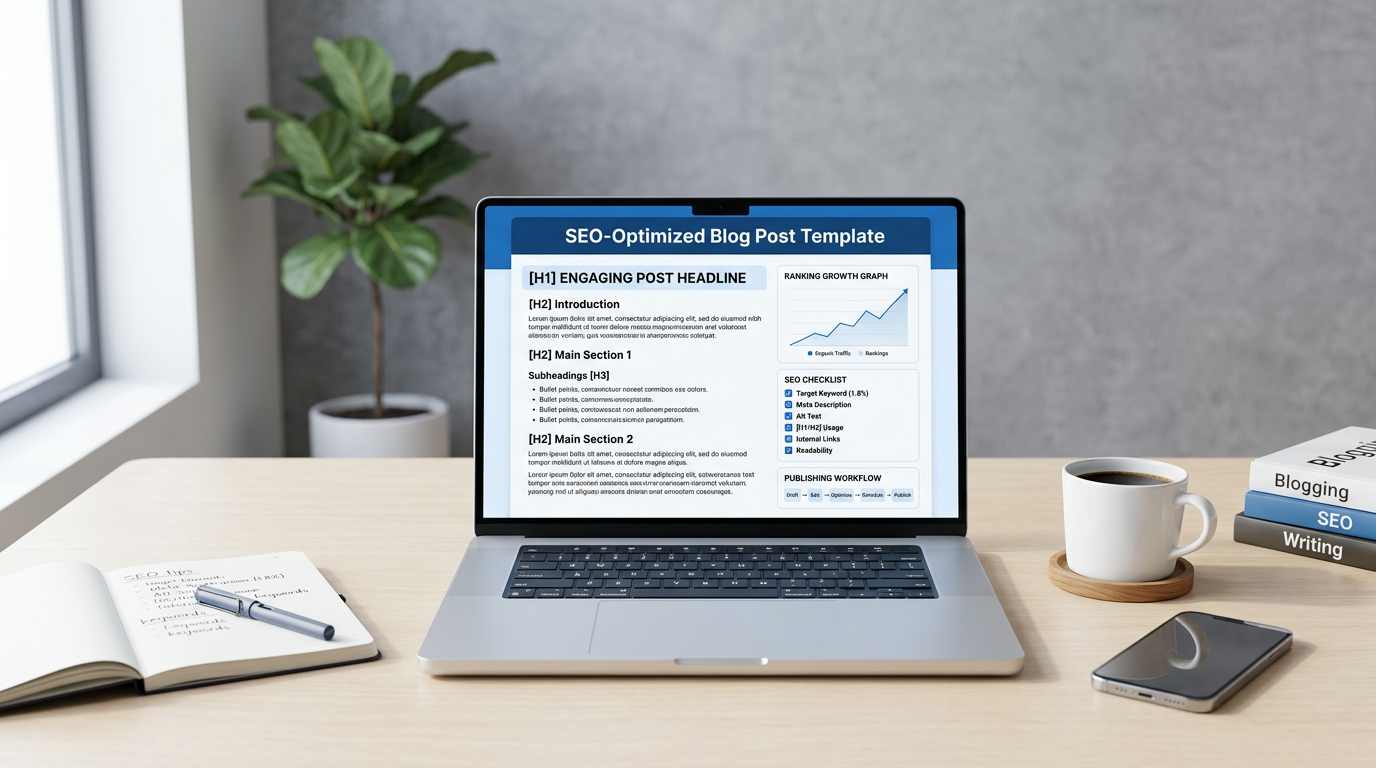
That is exactly where templates help. A good template gives you a repeatable framework for matching search intent, organizing information, and making sure the article actually goes somewhere instead of rambling into a wall.
If you are still building the overall system, start with Start Here so your content process is tied to a real publishing plan instead of random bursts of activity.
Blog Post Templates That Rank
1. The Beginner Guide Template
This is your go-to format for “how to,” “what is,” and beginner education posts. Start with a clear promise, define the topic fast, then walk the reader through steps, mistakes, or core concepts in a logical order.
This works because it matches informational intent cleanly. Google and Yoast both emphasize clear headings and structured content that helps users scan and understand the page.
2. The Best Tools List Template
This format is ideal for affiliate and review-driven posts. Open with who the list is for, explain how you chose the tools, then break each option into a consistent pattern: what it is, who it fits, strengths, weaknesses, and best use case.
It works especially well when it links naturally into your tools and reviews section, because that keeps commercial readers moving deeper into pages built to compare and convert.
3. The Problem-Solution Template
This one is great for pain-point searches. Start by describing the problem clearly, explain why it happens, then give a practical fix with examples, steps, or tools. This template works because it lines up with how real people search when something is broken, frustrating, or underperforming.
It also tends to pull strong long-tail traffic because the query is often specific and intent is already sharp.
4. The Comparison Template
For “A vs B” queries, structure is everything. Open with the quick answer, then compare the two options across a few useful categories like price, features, ease of use, ideal user, and best overall fit. Keep the format consistent so readers can scan fast.
Comparison posts tend to convert well because the reader is already close to making a decision. That makes them strong bridges into monetized content and your affiliate marketing section.
5. The Checklist Template
Checklist posts rank well when users want something fast, practical, and easy to follow. Open with the goal, give the checklist in a clear order, then expand each item just enough to make it useful. Do not overcomplicate it.
This template is especially good for traffic-building topics because it makes action simple and shareable, which fits nicely with your traffic and SEO content cluster.
6. The Case Study Template
Case studies can work extremely well because they are naturally specific. The structure is simple: the starting situation, what was done, what happened, what changed, and what the reader should learn from it. This format often feels more credible because it shows process and outcome instead of generic advice.
It is also one of the cleaner ways to show experience without writing like a textbook.
7. The Resource Hub Template
This format works well for broader topics where readers need a curated entry point. Start with a short overview, then organize the page into sections linking out to guides, tools, tutorials, and reviews. Think of it as a strategic index, not a lazy list.
This can be one of the best templates for site architecture because it helps users and search engines discover related pages through one clear hub. Google also emphasizes crawlable links and descriptive link text, which makes this structure even more useful when done cleanly. :contentReference[oaicite:3]{index=3}
What All Good Templates Have in Common
Ahrefs notes that templates make writing faster and more repeatable, but the real point is not speed by itself. The real point is consistency. The best templates help you write articles with a clear promise, a logical structure, useful subheads, and a format that matches what the searcher wants. :contentReference[oaicite:4]{index=4}
That is why templates work. They reduce chaos without turning the post into sludge.
Common Template Mistakes
The biggest mistake is using a template like a fill-in-the-blank robot. A template should shape the article, not drain the life out of it. Another common mistake is forcing the wrong template onto the wrong intent. A checklist post will usually flop if the query clearly needs a full guide. A beginner guide will drag if the user really wanted a quick comparison.
Another trap is publishing the post without linking it into the rest of the site. If the article never connects to your main topic areas, it is harder to turn rankings into deeper engagement or revenue.
That is why pages like this should naturally feed into tools and reviews, traffic and SEO, and affiliate marketing instead of living on their own island.
How to Use Templates Without Sounding Robotic
Start with the template, then adapt it to the topic. Keep the structure, but change the examples, framing, tone, and depth based on what the query needs. Google’s people-first guidance makes the priority pretty clear: the page should exist to help readers, not just to hit formatting checkpoints. :contentReference[oaicite:5]{index=5}
- Pick the template that matches the query intent
- Open strong so readers know they are in the right place
- Use clear H2s and H3s to keep the post easy to scan
- Add internal links to the next logical page, not random filler
- Cut repetitive fluff even if the template technically has room for it
Once the post is live, connect it back into your broader site system through traffic and SEO and affiliate marketing so rankings have somewhere useful to go.
Final Word
Blog post templates that rank are not magic. They are structured shortcuts. They help you match search intent faster, organize content better, and publish with more consistency. That is the real advantage.
Start with the right format, build around the query, and make sure each post pushes readers toward the next logical step. If you want the full framework behind that process, go through Start Here first, then expand into tools and reviews, traffic and SEO, and affiliate marketing.
Bottom line
A good template gives your post structure. A smart strategy gives that structure a purpose. Use both.
Keep Going
Turn Better Templates Into Better Traffic
Start with the framework, then move into tools, traffic, and affiliate pages that help your content actually grow and monetize.