AI & AUTOMATION
Best AI Tools for Content Creators | MakeMoneyQ
AI tools can help content creators move faster, but speed alone is not the goal. The real win is better workflow leverage: faster ideation, cleaner drafting, better repurposing, stronger visuals, and less time wasted on repetitive production work that adds zero creative value.
This page breaks down the best AI tools for content creators based on actual job-to-be-done logic, not shiny-feature addiction. The focus is practical fit, not hype.
Faster research • Better drafts • Smarter repurposing
What Makes a Good AI Tool for Content Creators?
A good AI tool should remove friction without lowering quality. That means it helps you brainstorm faster, draft more efficiently, repurpose smarter, or create usable assets with less repetitive work. If the tool creates more cleanup than value, it is not helping. It is just shifting your workload into a different shape.
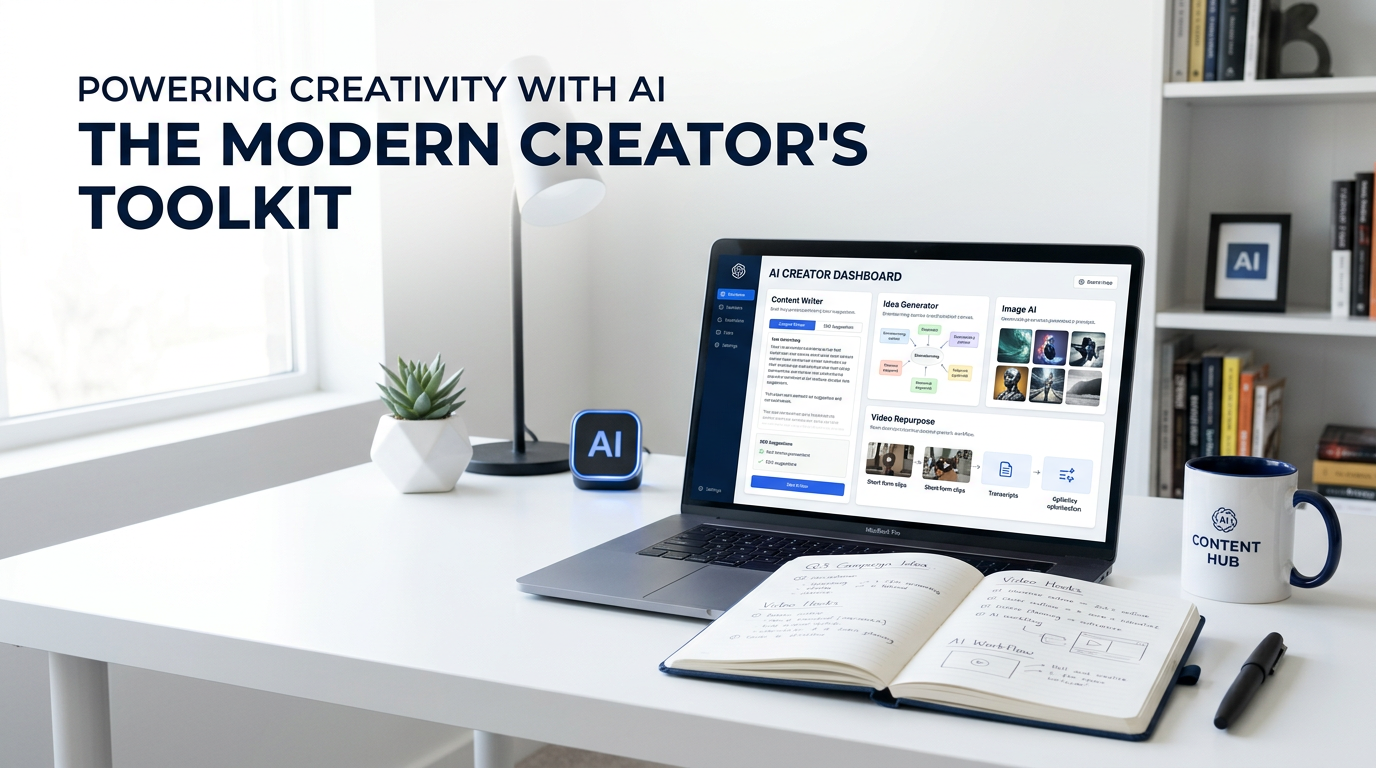
The best AI tools for content creators usually do one thing really well or fit cleanly into a bigger workflow. They help with ideation, writing, visuals, video, editing, or research without forcing you into bloated systems that pretend to do everything and end up doing half of it badly.
Usefulness beats novelty every time.
Best AI Tool Categories for Creators
Most creator workflows do not need one miracle platform. They need a few solid tools matched to specific jobs.
Writing Tools
Great for ideation, outlining, drafting, rewriting, and simplifying production bottlenecks.
Visual Tools
Useful for thumbnails, blog graphics, concept images, and faster creative iteration.
Video Tools
Helpful for short-form editing, script repurposing, captions, and creative expansion.
Research Tools
Good for summarizing, structuring ideas, organizing research, and reducing prep time.
Best AI Writing Tools for Content Creators
These tools make the most sense when you need better speed on idea generation, outlines, drafts, rewrites, and content expansion.
TOP PICK
ChatGPT
Strong for brainstorming, content ideation, script drafting, article outlines, rewrites, summarization, and creative variations when you know how to prompt with clarity.
Best for: multi-purpose writing workflows and content planning.
STRONG ALTERNATIVE
Claude
Great for long-form drafting, thoughtful editing, restructuring, and handling complex prompts with a cleaner reasoning feel.
Best for: longer writing workflows and structured editorial work.
GOOGLE OPTION
Gemini
Useful for brainstorming, drafting, productivity support, and creator workflows that already live inside Google’s ecosystem.
Best for: creators working heavily in Google Workspace.
Best AI Visual Tools for Creators
The best visual tools help you create usable graphics, concept art, thumbnails, and branded assets faster without turning everything into generic AI sludge.
Adobe Firefly
A practical choice for creators who need AI-generated images, edits, and design support inside a broader Adobe-centered workflow.
Best for: creators already working in Adobe tools or branded asset workflows.
Canva AI Features
Useful for quick design assembly, social graphics, presentations, and lightweight creator assets where speed matters more than deep design control.
Best for: creators who want faster visual production with lower friction.
ChatGPT Image Workflows
Helpful for prompt creation, idea development, visual planning, and AI image generation workflows when paired with a clear creative direction.
Best for: creators who want text-and-image workflow flexibility in one place.
Best AI Video and Repurposing Tools
AI is especially useful in video when it shortens editing, clipping, captioning, and repurposing time.
Descript
A strong option for creators who want easier transcript-based editing, repurposing, and production cleanup.
Best for: podcasters, YouTubers, and talking-head content workflows.
Adobe Firefly Video Features
Useful when you want AI-assisted video generation or creative expansion inside an Adobe workflow.
Best for: creators already working with Adobe for visual production.
OpusClip
A practical repurposing tool for turning longer content into short clips faster when distribution speed matters.
Best for: creators pushing content across short-form channels.
Best AI Research and Workflow Tools
Research gets faster when AI helps you organize, summarize, and structure information instead of drowning in tabs.
ChatGPT for Research Structuring
Useful for turning scattered notes into outlines, question clusters, content angles, and cleaner production plans.
Best for: creators who want to cut planning time dramatically.
Claude for Longer Material Review
Helpful for reviewing longer source material, restructuring thinking, and handling dense inputs more cleanly.
Best for: creators dealing with long transcripts, notes, or dense editorial material.
Gemini in Workspace Flows
Useful if your research, notes, docs, and production workflow already live inside Google products.
Best for: creators who want AI embedded into existing doc workflows.
How to Build a Smart AI Stack as a Creator
Do not build your stack by chasing features. Build it around friction points.
If Writing Slows You Down
Start with one strong writing assistant and use it for outlines, ideation, and draft acceleration.
If Design Slows You Down
Use one AI visual tool that fits your existing design environment instead of juggling five half-used ones.
If Repurposing Slows You Down
Add one video or repurposing layer only after your core content workflow already works cleanly.
Common AI Tool Mistakes Content Creators Make
These are the mistakes that make AI look useful on paper and annoying in practice.
Using AI Without Direction
Weak prompts create weak outputs. That is not the tool’s fault.
Expecting Final-Draft Perfection
AI should support your process, not replace editorial judgment.
Overloading the Stack
Too many AI tools usually create more workflow drag, not less.
Publishing Generic Outputs
If you do not add your judgment, voice, and standards, your content gets flat fast.
Final Take
The best AI tools for content creators are the ones that make your workflow sharper, faster, and easier to sustain without flattening your work into generic output. Start with the bottleneck, not the trend. Pick one or two tools that solve real friction, then expand only if the new layer clearly earns its place.
That is how you build an AI stack that actually helps instead of one that just looks modern in a screenshot.
Best AI Tools for Content Creators FAQ
What is the best AI tool for content creators?
The best one depends on the job. For writing and planning, ChatGPT or Claude usually make sense. For visuals, Adobe Firefly or Canva-based workflows can be more useful.
Should content creators use more than one AI tool?
Usually yes, but only if each tool has a clear job. One for writing and one for visuals is often enough for a strong starting stack.
Can AI replace content creators?
AI can accelerate parts of the workflow, but creators still need judgment, voice, editing standards, and strategic direction. That part does not disappear.
What is the biggest mistake creators make with AI tools?
Using them without clear prompts, clear standards, or clear workflow purpose. That is how output gets generic fast.
Build an AI Creator Stack That Actually Helps
Stop collecting tools for the sake of it. Pick the ones that remove real friction and make the content process easier to sustain.