
AI & AUTOMATION
AI Content Workflows for Bloggers | Faster Without Publishing Junk
AI can help bloggers move faster, but speed without standards just creates more polished garbage. The point of an AI content workflow is not to crank out lifeless articles at scale. The point is to reduce repetitive work, sharpen planning, speed up useful drafting, and free up more time for judgment, editing, and actual strategic thinking.
This guide shows you how to build AI content workflows that help bloggers work faster without publishing thin, robotic junk that readers ignore and Google has no reason to reward.
Smarter planning • Faster drafts • Better editorial control
Contents
- What an AI Content Workflow Actually Is
- Why Bloggers Get AI Wrong
- Where AI Actually Helps
- A Smart AI Blogging Workflow
- Step 1: Topic and Intent Mapping
- Step 2: Outline and Structure
- Step 3: Fast Drafting With Standards
- Step 4: Human Editing Still Matters
- Step 5: Repurpose and Expand
- Authority Resources
- Mistakes That Create AI Sludge
- Final Take
- FAQ
What an AI Content Workflow Actually Is
An AI content workflow is a system for using AI at specific stages of blogging so the work gets easier without the final output getting worse. That system might include idea generation, topic clustering, outline building, draft support, rewrites, headline variations, repurposing, image prompt generation, or content refreshes.
The important part is that AI supports the workflow. It does not replace thought, editorial standards, search intent judgment, or audience understanding. Once people forget that, the content gets generic fast.
A good workflow reduces friction. A bad one automates mediocrity.
Why Bloggers Get AI Wrong
A lot of bloggers use AI like a vending machine. They dump in a keyword, press a button, and expect a finished article to fall out. What they usually get is a stiff draft filled with vague claims, repetitive phrasing, and zero point of view. Then they publish it anyway because it was fast.
That is how AI content earns a bad reputation. The problem is usually not the tool. The problem is the lazy workflow built around it.
Common AI Blogging Problems
- Using AI without clear prompts
- Skipping search intent analysis
- Publishing first drafts without editing
- Forgetting internal links and structure
- Replacing judgment with convenience
- Sounding like every other AI article online
Where AI Actually Helps Bloggers
The best AI blogging workflows use AI where it creates real leverage, not where it replaces the parts that actually need a human brain.
Topic Research
AI helps cluster ideas, organize angles, and speed up planning.
Outline Building
Useful for turning messy notes into structured page flow faster.
Draft Expansion
Helpful for moving faster from outline to working draft.
Repurposing
Strong for turning a blog post into email copy, pins, shorts, or social posts.
A Smart AI Blogging Workflow Looks Like This
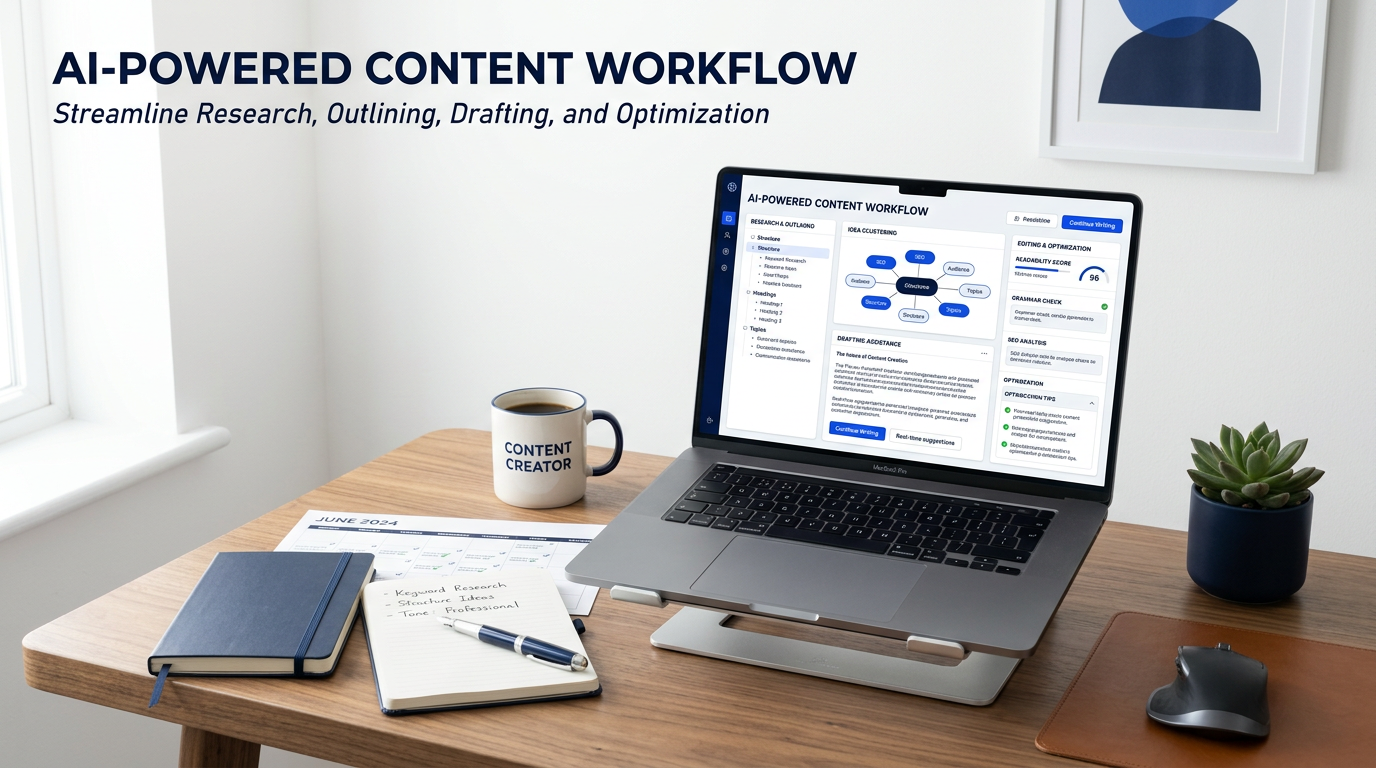
The cleanest AI content workflow for bloggers usually follows a simple pattern: research the topic, map search intent, create the outline, draft fast with guidance, edit hard, optimize the page, then repurpose the finished asset into additional formats. That sequence works because AI helps where speed matters, while the blogger still controls what gets published.
The workflow should support quality, not race past it.
Step 1: Topic and Intent Mapping
Start by using AI to brainstorm angles, supporting questions, subtopics, and related problems around your main subject. Then filter the ideas through actual search intent. This is where bloggers need to think. AI can suggest fifty ideas in seconds, but it cannot decide which one deserves the page unless you give it good direction.
You want to know whether the user is trying to learn, compare, solve, choose, or buy. That decision shapes the whole article. The workflow gets stronger when AI helps surface the options and you decide which path actually fits the audience and site structure.
Good content starts with better topic judgment, not faster typing.
Step 2: Outline and Structure
Once the topic is right, use AI to generate a structured outline with better flow, cleaner subheadings, FAQ opportunities, and logical section order. This is one of the best use cases because it cuts setup time without reducing quality. In fact, it often improves quality because the structure becomes easier to inspect and fix before you write too much.
At this stage, your job is to remove generic headings, sharpen the angle, and make sure the outline sounds like a real article for real people, not a robotic school assignment.
Structure first. Draft second. That order saves time later.
Step 3: Fast Drafting With Standards
This is where AI saves the most raw time, but it is also where bloggers screw it up fastest. Use AI to draft sections, develop examples, create alternative intros, rewrite weak paragraphs, or turn bullet logic into fuller copy. That part is useful. Publishing the draft without serious review is the part that causes trouble.
The best move is to draft in chunks. Keep prompts specific. Tell the system what tone, audience, purpose, and structure you want. Then edit each section like it matters, because it does.
Fast drafting is great. Fast publishing is usually where the damage starts.
Step 4: Human Editing Still Matters
This is the part lazy bloggers skip and then blame AI for the result. Editing is where you add specificity, remove filler, tighten claims, improve transitions, fix tone drift, add useful examples, and make the page sound like it belongs on your site instead of anywhere.
You also need to check search intent alignment, internal links, CTA placement, accuracy, and whether the article still sounds like it is trying to help a human instead of impress a content machine.
Editing is not optional. It is the part that protects the brand.
Step 5: Repurpose and Expand the Finished Asset
One of the smartest uses of AI is repurposing a finished blog post into related content without starting from zero. That can include email versions, pin descriptions, short-form scripts, quote graphics, social posts, video talking points, and internal support pages built from the same core topic.
This is where the workflow compounds. One strong article becomes multiple assets. AI helps shorten the conversion process between formats, while you keep the messaging clean and on-brand.
Repurposing works best when the original article is good enough to deserve the effort.
Mistakes That Create AI Sludge
These are the workflow mistakes that make blogs feel faster and worse at the same time.
Publishing Raw Output
If the first draft becomes the live page, quality usually dies fast.
Using Vague Prompts
Vague input creates generic output. That part is predictable.
Skipping Search Intent
Fast content still fails if it answers the wrong question.
Forgetting the Brand Voice
If every article sounds interchangeable, the blog loses its edge.
Final Take
AI content workflows for bloggers work best when they reduce friction without reducing standards. Use AI for research support, structure, drafting, and repurposing. Keep humans responsible for judgment, editing, strategy, and what actually gets published.
That is how you move faster without turning the blog into a content landfill.
AI Content Workflows for Bloggers FAQ
Can bloggers use AI for writing blog posts?
Yes, but the strongest use is support, not blind replacement. AI helps most when it speeds up planning, drafting, and rewriting while the blogger still controls the final quality.
Will Google punish AI-generated content?
The bigger issue is quality and usefulness. If the content is weak, generic, or made mainly to game search, it has a harder road. If it is genuinely helpful, the workflow matters less than the result.
What is the best AI workflow for bloggers?
A good workflow usually includes topic planning, outline support, chunked drafting, strong editing, optimization, and content repurposing after publication.
What is the biggest AI content mistake bloggers make?
Publishing first-draft AI content without enough editing, direction, or quality control. That is how blogs get faster and worse at the same time.
Use AI to Remove Friction, Not Standards
Build a cleaner workflow, keep editorial control, and make the blog faster without making it disposable.