Affiliate Tracking Checklist For Beginners 15-Min System
Affiliate tracking checklist for beginners isn’t glamorous, but it’s the difference between “I think this works” and “I can scale this with confidence.” The problem is most people slap a link in a blog post, see a few commissions, and then guess their way into burnout.
Here’s the truth: **if you can’t track it, you can’t improve it**. And if you can’t improve it, you’re basically playing slot machines with extra steps.
This post gives you a practical, engineer-approved checklist you can implement in an afternoon—no corporate nonsense, no mystical “growth hacks,” just a clean tracking system that tells you what’s actually making money.
Table of Contents
- Why beginners get tracking wrong (and stay broke)
- The checklist in one breath
- Baseline setup: your minimum viable tracking stack
- Link tagging that doesn’t turn into spaghetti
- Offer-level tracking: separating pages, placements, and platforms
- Verification & QA: trust, but verify
- Reporting that leads to decisions (not busywork)
- Tools that don’t suck (and what to avoid)
- Frequently Asked Questions
- Final takeaway
Why beginners get tracking wrong (and stay broke)
Most beginners treat tracking like a tax form: annoying, confusing, and postponed until it’s too late.
Common failure pattern:
- You promote multiple offers in one week.
- You post links across a blog, Pinterest, YouTube, and “that one Facebook group.”
- Sales happen… maybe.
- You have no idea what caused them, so you change everything at once.
Fast forward to month three: you’ve got “data,” but it’s a pile of unlabeled garbage. **Bad tracking doesn’t just hide winners—it creates fake winners** (usually the loudest platform or the last link clicked). That’s how you end up scaling the wrong thing and wondering why it collapses.
Also: compliance matters. If you’re promoting affiliate links without clear disclosures, you’re flirting with trouble. The FTC has plain-language guidance on endorsements and disclosures—read it like an adult, then do it. FTC Endorsements, Influencers, and Reviews.
The checklist in one breath
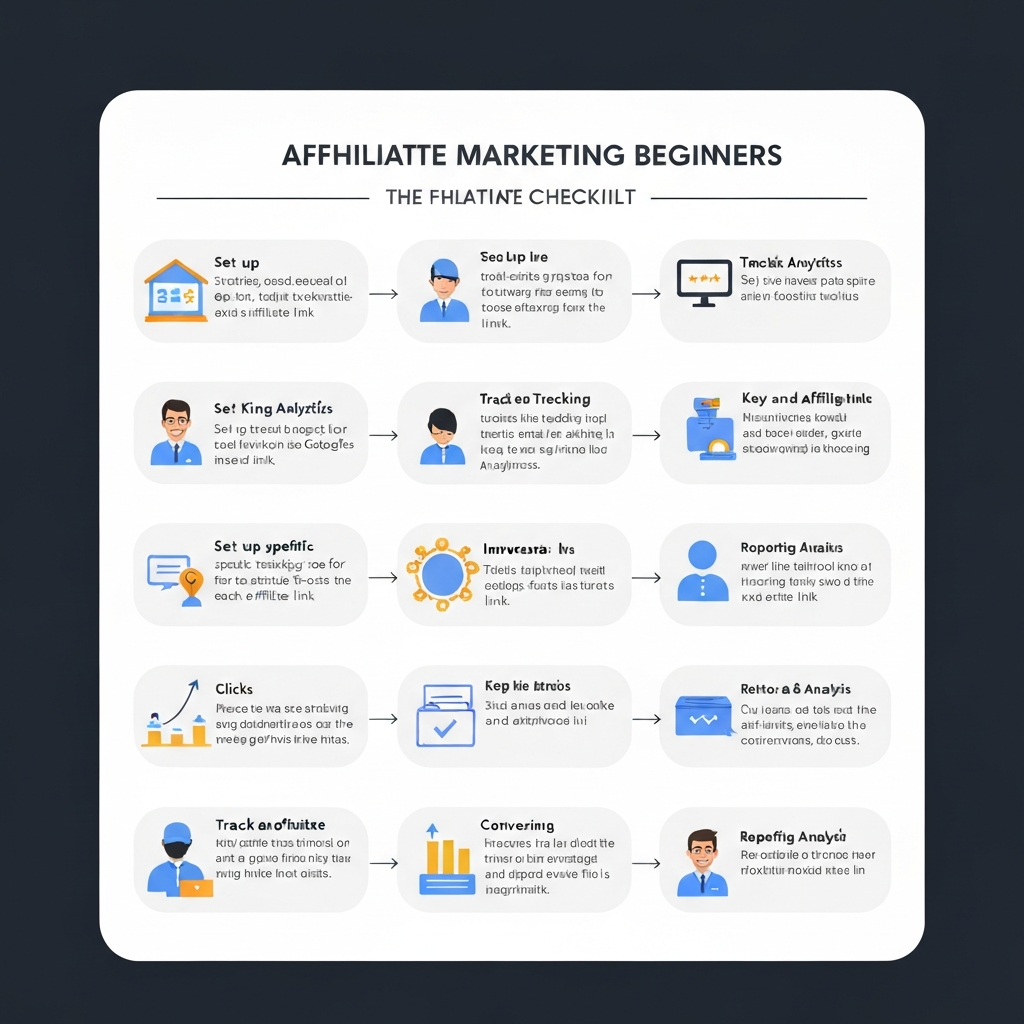
Use one naming convention, tag every outbound link with UTMs (or unique IDs), separate each traffic source and placement, verify your redirect and attribution flow, log every test change, and review performance weekly using a single “source → page → offer” report. That’s the core of an affiliate tracking checklist for beginners—simple, consistent, scalable.
Baseline setup: your minimum viable tracking stack
Bottom line: you need three layers of tracking. Beginners try to skip layer two and then blame the universe.
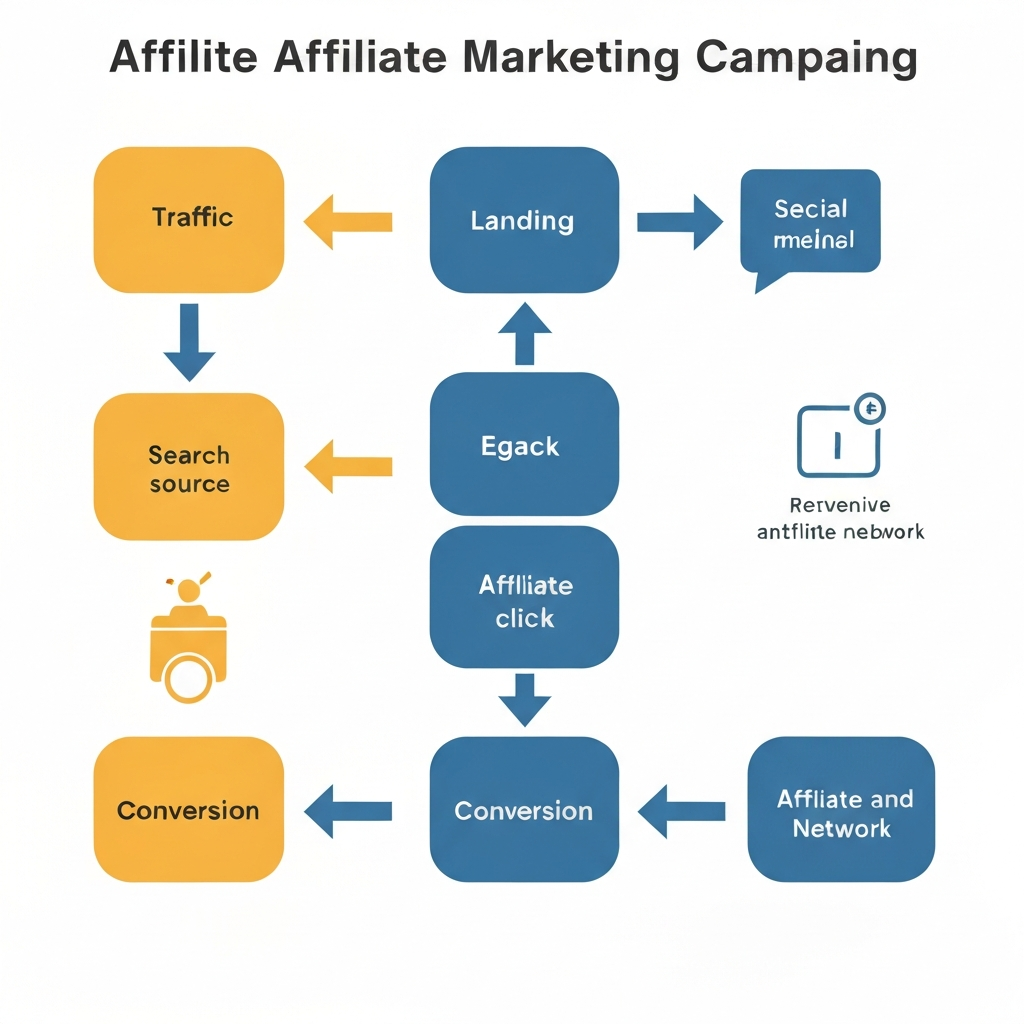
- Analytics layer (what people did on your site): pageviews, sessions, click events.
- Link identification layer (which link they clicked): UTMs, subIDs, or unique link variants.
- Affiliate platform layer (whether you got credited): clicks, conversions, EPC, refund rate if available.
If you’re building an affiliate business long-term (not “spam links until the platform bans me”), you should also understand the system-level pieces—content architecture, intent matching, and how offers fit into a real funnel. This deeper breakdown is worth your time: the complete affiliate marketing system for long-term income.
Technical note: UTMs aren’t magic; they’re just query parameters that help analytics systems categorize traffic and campaigns. If you don’t know what UTM parameters are, that’s your homework. Wikipedia: UTM parameters.
Minimum viable stack (cheap and effective):
- A spreadsheet (yes, boring; yes, useful) to log campaigns and link IDs.
- Analytics on your site (Google Analytics or another tool you can actually use consistently).
- A link strategy you won’t abandon after a week (UTMs + unique IDs).
Link tagging that doesn’t turn into spaghetti
Beginners either don’t tag links at all… or they tag them like a chaotic gremlin: random names, inconsistent casing, and “final_final2” energy.
Use a naming convention you can read six months from now without crying:
- utm_source = where the traffic came from (youtube, pinterest, seo, email)
- utm_medium = the channel type (video, pin, organic, newsletter)
- utm_campaign = your test label (2026q1-best-tools, acne-silo-launch, rv-router-review)
- utm_content = the placement (sidebar-cta, intext-link-2, top-button, faq-link)
Yes, you can invent your own. No, you can’t invent a different one every week. **Consistency beats cleverness**.
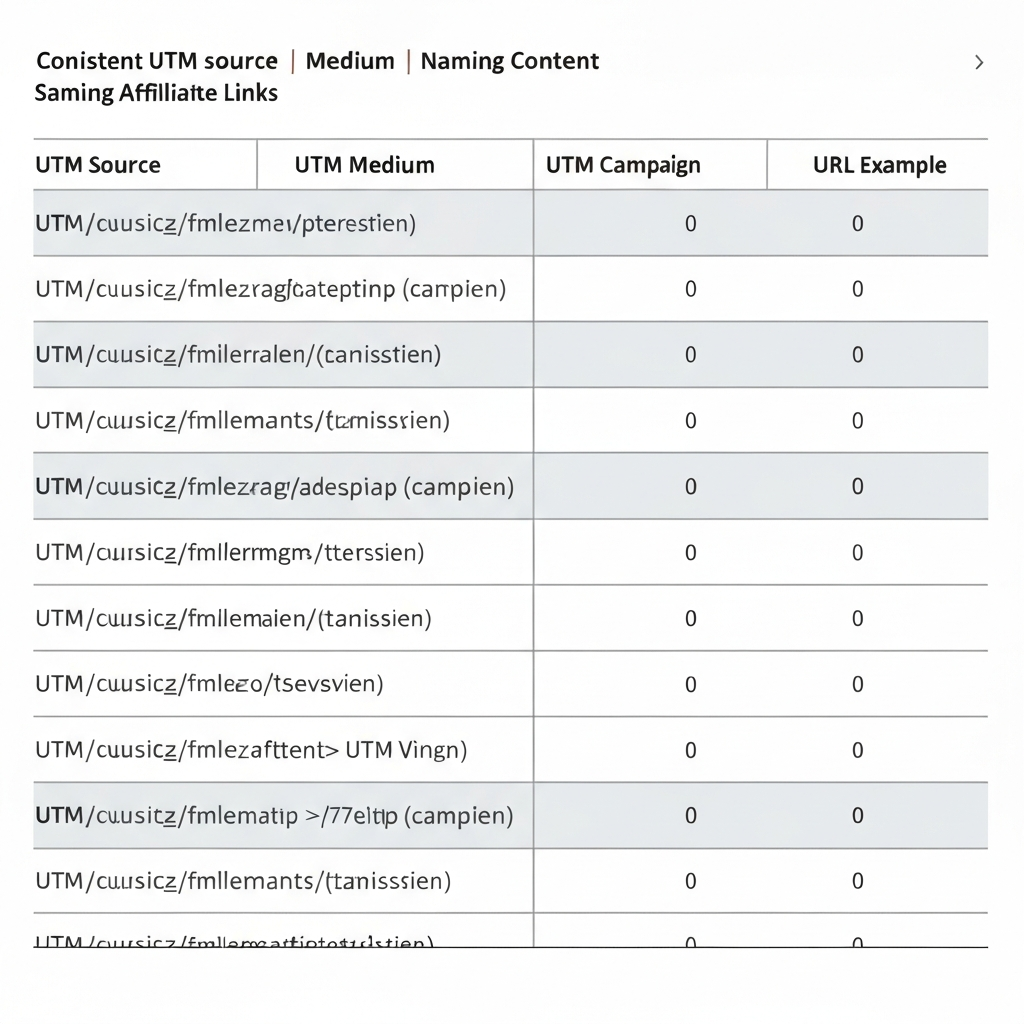
Pro move: keep a “UTM dictionary” tab in your spreadsheet. If your future self can’t decode utm_campaign values instantly, you did it wrong.
And don’t ignore the privacy/tech shift happening around cookies and measurement. Cookie rules, browser changes, and tracking protections are real constraints, not excuses. If you’re serious, read up on how cookies work at a basic level. Wikipedia: HTTP cookies.
Offer-level tracking: separating pages, placements, and platforms
Here’s the part beginners skip: tracking isn’t just “offer A vs offer B.” It’s also:
- Page-level: which article/video/landing page drove clicks and sales?
- Placement-level: top button vs mid-text link vs comparison table?
- Platform-level: YouTube vs Pinterest vs SEO vs email?
If you mix these together, you’ll end up making decisions based on vibes. Vibes don’t pay bills.
Simple method that scales: assign a short Link ID to every affiliate link placement and store it in your spreadsheet.
Example Link ID format: [site]-[page]-[offer]-[placement]-[date]
- mmq-tools-analytics-AWIN-topbtn-202601
- mmq-silo-howto-hostinger-intext2-202601
Then add that Link ID into either:
- a UTM parameter (utm_content=topbtn_mmqtools_202601), or
- a network subID parameter if your affiliate program supports it (many do).
Want to make this more powerful? Build your site structure so tracking is naturally segmented by intent. A well-designed content silo makes reporting cleaner because pages already represent a user journey stage. If your internal architecture is random, tracking will feel random too. This guide nails the practical side: how to build a content silo that ranks and converts.

Verification & QA: trust, but verify
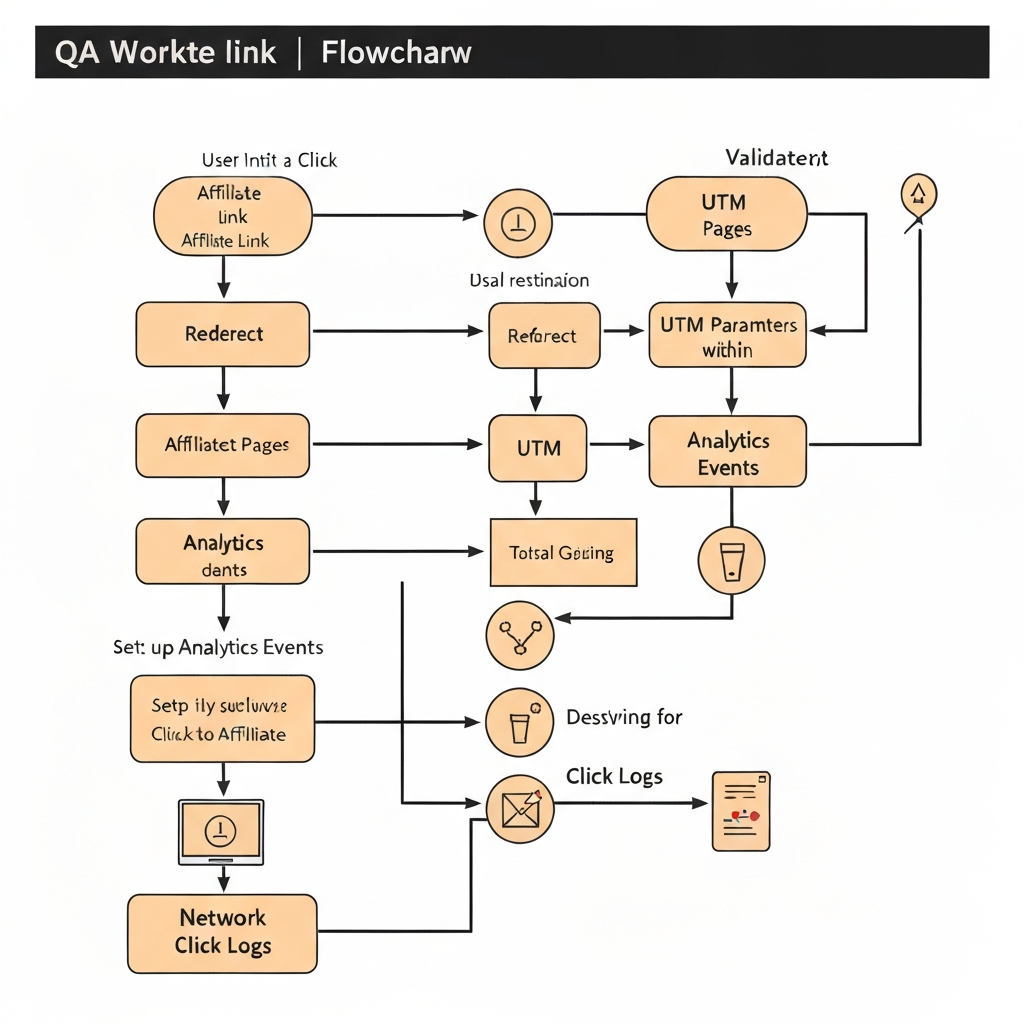
Most tracking failures aren’t “analytics bugs.” They’re self-inflicted wounds: broken redirects, wrong links, mixed parameters, or a plugin that “helpfully” strips query strings.
Run this QA checklist whenever you add or change an affiliate link:
- Click test: click from an incognito window and confirm it lands where you expect.
- Parameter test: confirm UTMs (or IDs) survive the redirect.
- Event test: confirm your analytics is recording the outbound click (event or tracked link).
- Dashboard test: confirm the affiliate platform logs a click within a reasonable time window.
- Disclosure check: confirm you have a clear affiliate disclosure near links where required (and yes, it should be obvious). FTC guidance.
One-sentence reality check: **your affiliate dashboard is not a source of truth—it’s a partial view**.
Why clicks don’t match:
- Bot traffic and click fraud (welcome to the internet). Wikipedia: Click fraud.
- Ad blockers or privacy tools breaking measurement.
- Different attribution windows across programs.
- Users switching devices (mobile click, desktop purchase).
Reporting that leads to decisions (not busywork)
If your “reporting” is staring at a dashboard and feeling emotions, you don’t have reporting. You have a digital mood board.
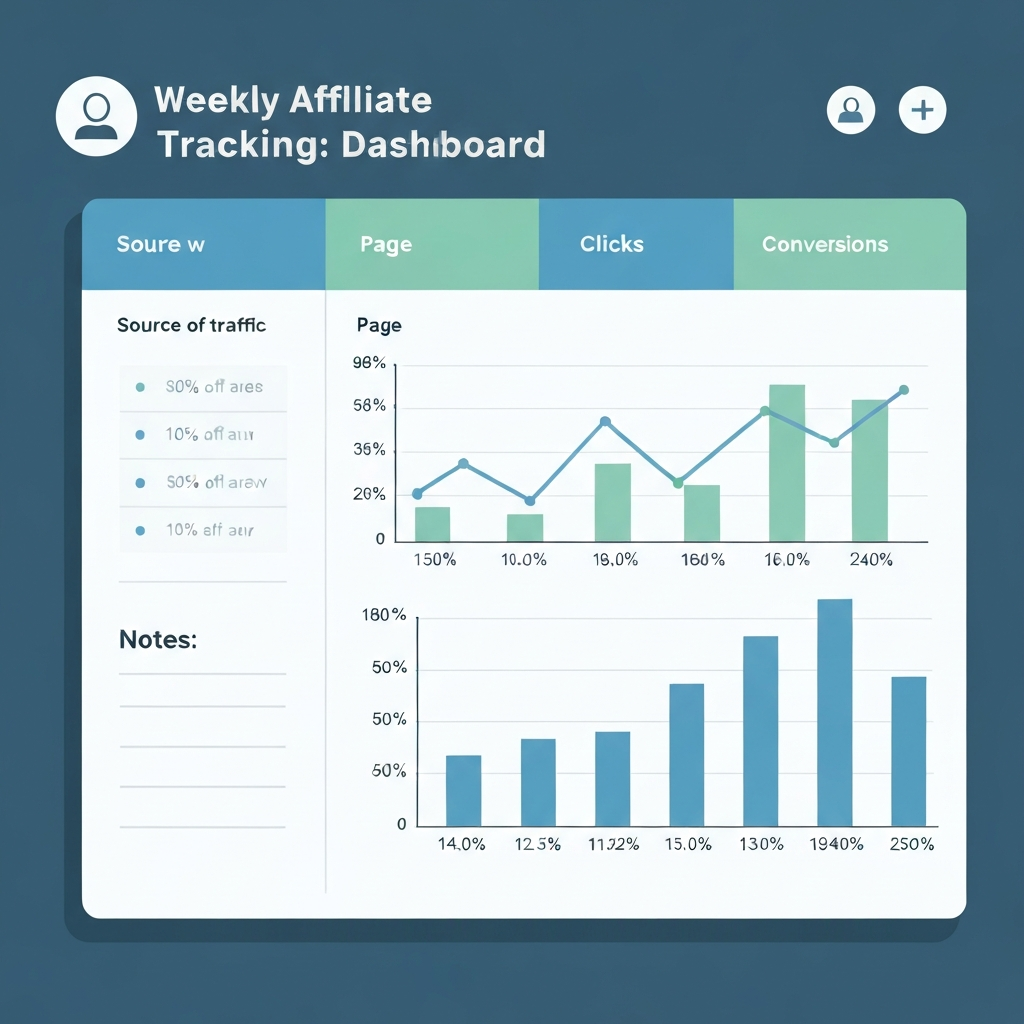
Weekly reporting should answer three questions:
- What’s driving the most qualified clicks? (source + page)
- What’s converting? (page + offer + placement)
- What changed? (new content, updated CTA, traffic spike, broken link)
Keep it tight. One sheet, one view:
- Source/Medium
- Landing Page
- Outbound Clicks
- Top Offers Clicked
- Affiliate Conversions (from network)
- Notes (what you changed, what you suspect)
Then make one decision: keep, kill, or improve. That’s it.
Insider takeaway: the goal isn’t perfect attribution. The goal is a system that reliably reveals winners and losers. If you can confidently answer “what should I do more of next week?” your tracking is doing its job.
Tools that don’t suck (and what to avoid)
Let’s be blunt: a lot of “affiliate tracking tools” are just shiny interfaces over basic redirects. If the tool creates complexity you won’t maintain, it sucks for you right now.
Start simple: UTMs + spreadsheet + analytics + consistent link IDs.
Upgrade when needed: when you’re running multiple paid traffic sources, multiple offers, and you need to manage attribution across funnels without losing your mind.
If you want to shop for beginner-friendly tools and resources, use search-based links so you’re not stuck promoting dead listings. Here are a few Amazon search links that are actually relevant to tracking and reporting workflows:
Check Price on Amazon Check Price on Amazon Check Price on Amazon
Frequently Asked Questions
Do I need a paid tracker as a beginner?
Not on day one. Start with consistent UTMs, a simple naming convention, and basic analytics. If you can’t name what you’re testing, buying a tracker won’t save you. Upgrade when you’re juggling multiple offers and traffic sources and need cleaner attribution.
What’s the difference between affiliate tracking and analytics tracking?
Affiliate tracking answers “did the network credit me for the sale?” Analytics tracking answers “what happened before the sale?” You want both. Affiliate platforms can misattribute, and analytics often can’t see the final purchase because it happens on someone else’s checkout.
Why do my clicks not match my affiliate dashboard?
Because measurement isn’t a laboratory. Bots, ad blockers, redirects, cookie rules, and time zone differences all skew counts. Use clicks as directional data, not sacred truth. What you want is stable trends and verified winners.
How do I track sales from Instagram, YouTube, or TikTok reliably?
Use a unique ID per platform (subID where available) plus UTMs on your pages. Send traffic to your site first (even a simple bridge page) so you can measure sessions, clicks, and behavior before users jump to the merchant.
What’s the one tracking mistake that costs beginners the most money?
Not separating tests. If you change the headline, the CTA, and the traffic source at the same time, your data becomes a story instead of evidence. Change one variable, label it, and keep your tests boring. Boring is profitable.
Final takeaway
Here’s the truth: **tracking isn’t a “tool decision,” it’s a discipline**. Tools help, but the win comes from consistency—one naming convention, one log, one weekly review that forces decisions.
Start with the basics, QA like you mean it, and don’t chase “perfect attribution.” Chase repeatable, measurable growth. Now go label your links like a grown-up… and try not to name your next campaign “test123.”
As an Amazon Associate, I earn from qualifying purchases.