WordPress Performance Tools for Core Web Vitals Top Pick
WordPress performance tools for Core Web Vitals are either your best friend or a fast track to self-inflicted pain. The problem is most people “optimize” by installing three plugins, flipping every toggle, and calling it a day… then wonder why the site still feels like it’s running through wet cement.
Here’s the truth: Core Web Vitals rewards real user experience, not your plugin collection. If you want wins that stick, you need the right tools in the right order—and you need to stop chasing vanity scores like they’re Pokémon.
Table of Contents
- What Core Web Vitals tools actually do (and what they don’t)
- Your measurement stack: stop guessing
- The big three fail patterns (LCP, INP, CLS) in WordPress
- Performance plugins that earn their keep (and the ones that don’t)
- Image and font tools: the sneaky LCP killers
- CDN and edge tools: when to add them
- Developer tools for real debugging
- Workflow: the no-BS order of operations
- Frequently Asked Questions
- Tools & gear I’d actually recommend
- Final takeaway
What Core Web Vitals tools actually do (and what they don’t)
Core Web Vitals tools are either measurement tools or fix tools. Measurement tools tell you what hurts (and for whom). Fix tools change how your site loads, renders, and behaves.
Snippet answer: The best WordPress performance tools for Core Web Vitals combine reliable measurement (field + lab data) with targeted fixes (caching, asset reduction, image/font optimization, and script control). Pick one primary optimization plugin, validate changes with Search Console/CrUX, and fix the actual bottleneck—usually theme CSS, JavaScript bloat, or oversized media.
What they don’t do: they don’t make a bad site “good” by magic. If you ship a 4MB homepage, a slider, seven trackers, and a partridge in a pear tree, even the fanciest plugin can only rearrange the deck chairs.
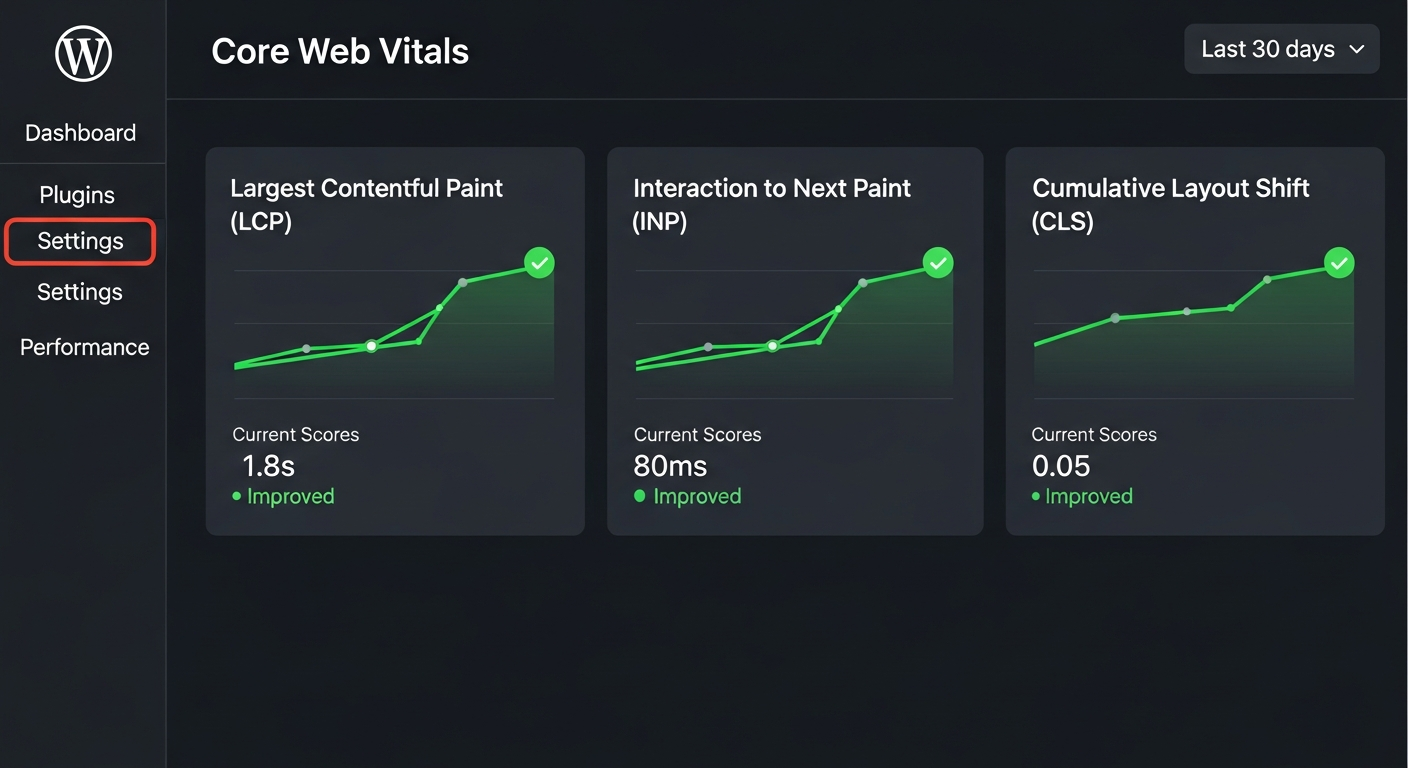
Quick note for 2026 reality: Google’s current Core Web Vitals are LCP (loading), INP (responsiveness), and CLS (visual stability). INP replaced FID, so if you’re still optimizing “FID,” you’re optimizing a ghost. :contentReference[oaicite:0]{index=0}
Your measurement stack: stop guessing
If you don’t measure correctly, you’ll “fix” the wrong thing and waste a weekend you’ll never get back.
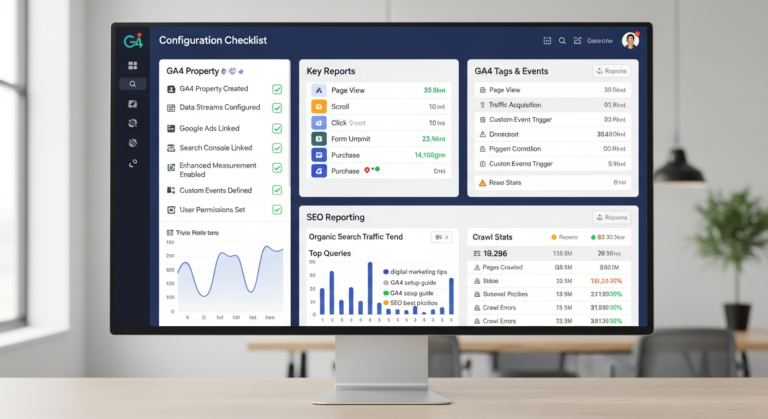
1) Google Search Console: the field-data judge
Search Console’s Core Web Vitals report is built on real user data and groups URLs by status (Good / Needs improvement / Poor) across LCP, INP, and CLS. That’s not a vibe check—that’s the scoreboard. :contentReference[oaicite:1]{index=1}
Also: this is where you catch site-wide patterns. If your category pages all fail CLS, that’s not a “one URL” problem. It’s design, ads, or theme behavior.
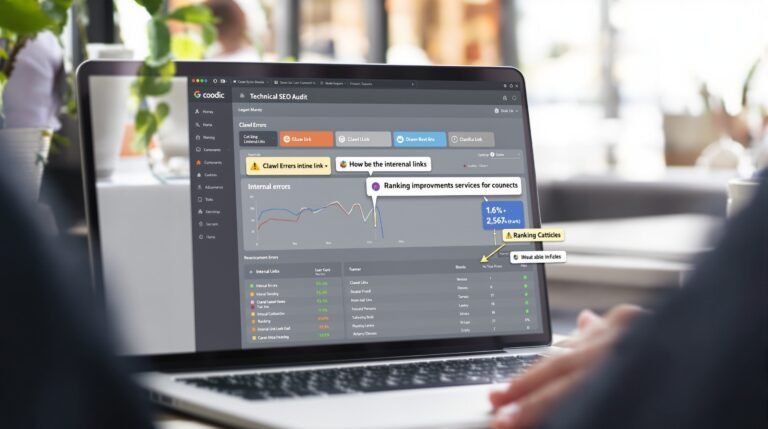
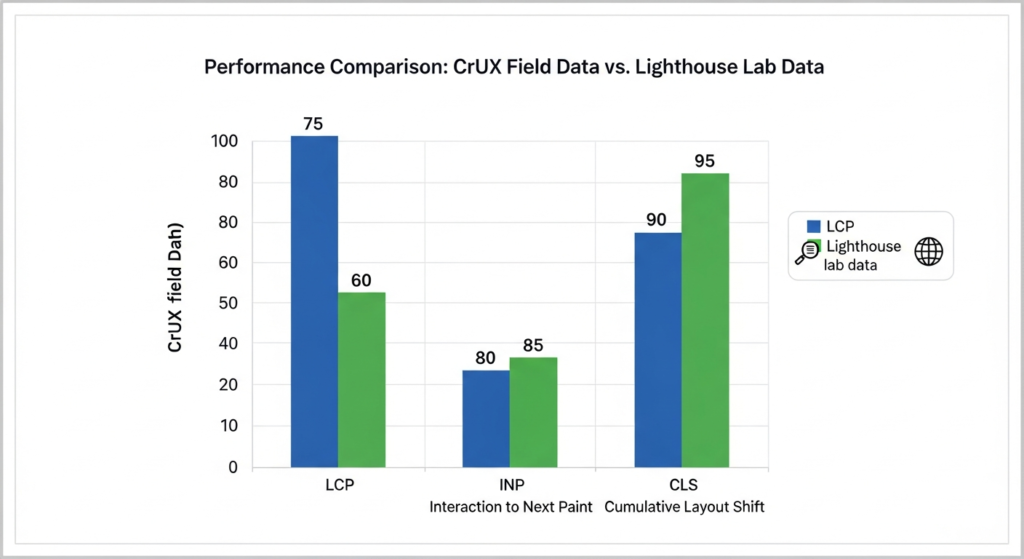
2) PageSpeed Insights + Lighthouse: the lab-data microscope
PageSpeed (Lighthouse) is a controlled test. It’s useful because it gives you a to-do list (render-blocking CSS, unused JS, image sizing, etc.). It’s also easy to game. So treat it like a microscope, not a court ruling.
3) CrUX / CrUX Vis: the adult version of “my site feels fast”
CrUX is the Chrome User Experience Report—aggregated real-user performance data. It’s basically “the internet’s opinion,” at scale. If your lab score is great but CrUX is bad, your users are telling you something. Listen. :contentReference[oaicite:2]{index=2}
Want a clean way to choose tools without getting sold snake oil? Use a scoring system. I laid out a practical one here: my no-BS system for choosing tools that make you money.
The big three fail patterns (LCP, INP, CLS) in WordPress
Most “Core Web Vitals problems” in WordPress are just three repeat offenders wearing different hats.
LCP failures: your hero image and theme are fighting you
Google’s guidance is clear: LCP should hit within about 2.5 seconds for a good experience. :contentReference[oaicite:3]{index=3}
In WordPress, LCP is usually:
- Oversized hero images (wrong dimensions, no compression, no preload)
- Bloated themes/builders shipping tons of CSS for “features” you’re not using
- Slow TTFB from cheap hosting or no caching
One-sentence truth bomb: a slider is an LCP tax you pay forever.
INP failures: JavaScript bloat from “helpful” plugins
INP targets responsiveness; good is around 200ms or less. :contentReference[oaicite:4]{index=4}
On WordPress sites, INP tanks because:
- Too many front-end scripts (forms, popups, chat widgets, analytics, AB tests)
- Heavy page builders doing work on every interaction
- Third-party tags stealing main-thread time (yes, even the “official” ones)
Bottom line: if your site “looks fast” but feels laggy when you tap, click, or type, that’s INP screaming.
CLS failures: ads, fonts, and late-loading layout surprises
CLS good threshold is around 0.1 or less. :contentReference[oaicite:5]{index=5}
CLS usually comes from:
- Ad slots without fixed dimensions (the page jumps when ads load)
- Fonts swapping (FOIT/FOUT without proper preload/fallback sizing)
- Cookie banners and sticky bars injected after first paint
Performance plugins that earn their keep (and the ones that don’t)
Let’s be opinionated, because your time has value.
The “one primary plugin” rule
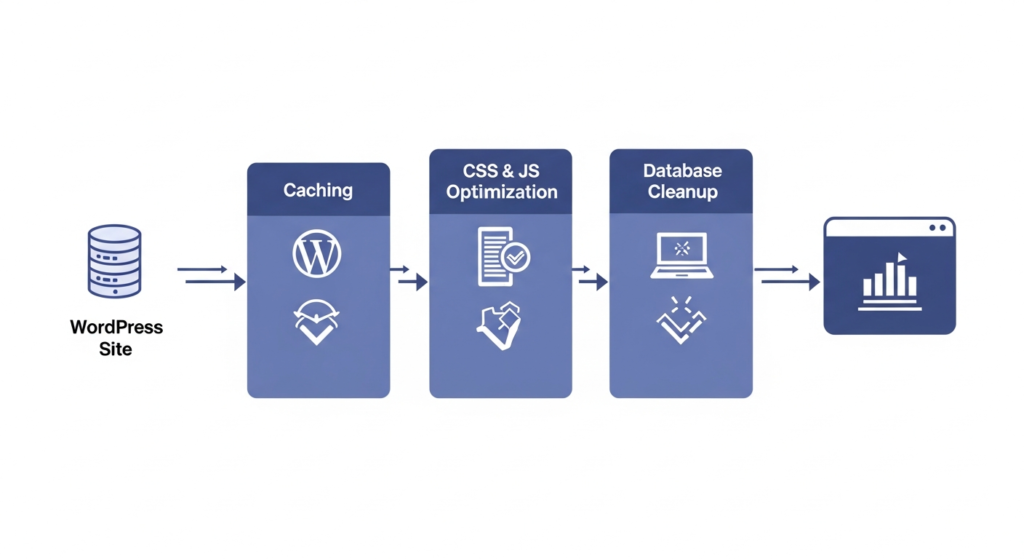
Pick one performance plugin to be the brain. If two plugins both minify, defer, delay, and combine assets, you’re basically running two pilots fighting over the controls.
In practice, the top performers usually fall into these buckets:
- Server-aware caching plugins (best when matched to your stack): e.g., LiteSpeed Cache if you’re on LiteSpeed
- Premium “set it and actually win” plugins: typically strong defaults, cleaner UX, fewer foot-guns
- Micro-optimization add-ons: great for script control, but dangerous if you don’t know what you’re delaying
What sucks? Anything that promises “90+ PageSpeed automatically” with no trade-offs and no explanation. If a tool can’t tell you what it changed and why, it’s not optimization—it’s roulette.
Also, don’t ignore the business side: the right tooling is part of a real SEO system. If you’re building an SEO stack, this pairs nicely with SEO tools that actually move rankings so you’re not “fast” but invisible.
Image and font tools: the sneaky LCP killers
If your LCP is failing, there’s a strong chance your biggest page element is an image. Which means you’re losing a race because you showed up wearing ankle weights.
Image optimization: boring, profitable, and unavoidable
Convert big images to modern formats, resize to real display dimensions, and compress aggressively. WordPress helps, but it won’t save you from uploading a 6000px-wide hero “just to be safe.”
Practical advice that works:
- Fix the hero first (it’s often the LCP element)
- Lazy-load below the fold, but don’t lazy-load the LCP element
- Use responsive images so mobile users don’t download desktop assets
Font handling: CLS and INP’s sneaky accomplice
Fonts can cause layout shifts and extra work on the main thread. Preload your primary font files, use good fallbacks, and don’t load eight weights because your designer “felt it.”
Fast forward to the part people skip: verify that your CLS improved in Search Console and field data, not just your dev environment. :contentReference[oaicite:6]{index=6}
CDN and edge tools: when to add them
A CDN isn’t a substitute for a lean site. But once you’ve stopped the bleeding, a CDN can be a real multiplier.
When a CDN helps
- Global audiences: lower latency, faster asset delivery
- Heavy media sites: offload static assets
- Security + performance together: WAF, caching, and edge delivery in one place
Cloudflare is a common choice because it’s broad and flexible, and they’ve been vocal about INP and performance measurement. :contentReference[oaicite:7]{index=7}
When a CDN doesn’t help: if your origin is slow and your pages are dynamically generated with no caching strategy. That’s like buying racing tires for a car with no engine.
Developer tools for real debugging
This is the part where you stop “installing fixes” and start diagnosing.
Chrome DevTools Performance panel
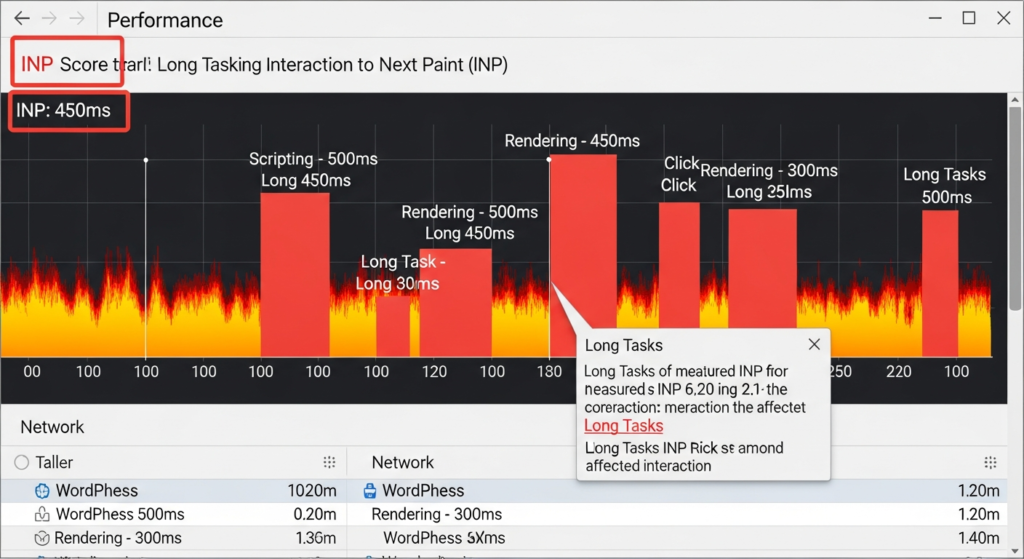
Use it when INP is failing and you need to see what scripts are hogging the main thread during interaction. It will show you long tasks, layout thrashing, and event handler pain.
Query Monitor (for backend pain)
If TTFB is bad, look at slow database queries, AJAX calls, and PHP warnings. WordPress performance tools for Core Web Vitals isn’t just front-end wizardry—backend drag shows up as slower rendering and longer time-to-first-byte.
WebPageTest (optional, but powerful)
If you want waterfall-level truth, WebPageTest is brutal in the best way. It shows you exactly what’s loading, when, and what blocks rendering.
If you’re monetizing with email, speed matters more than people admit: faster pages lift opt-in rates. Pair this with email platforms that actually deliver so your traffic doesn’t leak money at the finish line.
Workflow: the no-BS order of operations
Here’s the workflow I use when I want results without drama:
- Confirm the failing metric in Search Console (field data). :contentReference[oaicite:8]{index=8}
- Identify the likely offender: hero image/theme (LCP), JS/plugins (INP), ads/fonts/banners (CLS).
- Use Lighthouse/PageSpeed for the fix list, not for ego. :contentReference[oaicite:9]{index=9}
- Pick one primary performance plugin and keep settings sane.
- Reduce third-party scripts. Every “free” widget charges rent in INP.
- Validate with CrUX trends or CrUX Vis where possible. :contentReference[oaicite:10]{index=10}
One-sentence reality check: your fastest win is usually deleting something.
Frequently Asked Questions
Which Core Web Vitals matter right now for WordPress sites?
Google’s Core Web Vitals are LCP (loading), INP (responsiveness), and CLS (visual stability). INP replaced FID, so tune for the metrics Google reports today, especially in Search Console. :contentReference[oaicite:11]{index=11}
Why does PageSpeed look bad even after I install a cache plugin?
Caching speeds up delivery, but it doesn’t fix oversized images, render-blocking CSS, or main-thread JavaScript overload. If INP is the issue, you need script reduction and smarter loading, not “more caching.” :contentReference[oaicite:12]{index=12}
Do I need both a performance plugin and a CDN?
Often yes: the plugin handles on-site optimization and caching, and the CDN reduces latency and offloads static assets. But don’t stack overlapping tools—choose one primary optimizer and keep the rest minimal.
What’s the fastest way to improve LCP on WordPress?
Find the LCP element (often the hero image), compress and resize it, avoid sliders, and make sure it’s not lazy-loaded. Then validate improvements in field data, not just lab scores. :contentReference[oaicite:13]{index=13}
Is it safe to run multiple optimization plugins together?
Usually no. Two tools trying to minify/combine/defer the same assets is how you get broken pages and mystery CLS. Use one main performance plugin, plus specialized tools only when they do non-overlapping jobs (like image compression).
Tools & gear I’d actually recommend
Because you asked for tools, not vibes—here are practical picks you can search on Amazon without playing “is this listing still alive?” roulette.
1) Performance plugin (pick ONE)
Look for: page caching, browser caching, CSS/JS optimization controls, lazy loading, and preloading options—without turning your site into a science fair.
2) Image compression/optimization tool
Look for: WebP/AVIF support, bulk optimization, and sane defaults. This is where LCP wins come from.
3) Performance testing mindset (yes, a tool… for you)
If you want repeatable wins, use Google’s own documentation and field-data sources as your baseline references:
- Google Search: Core Web Vitals overview :contentReference[oaicite:14]{index=14}
- Search Console Core Web Vitals report :contentReference[oaicite:15]{index=15}
- Chrome UX Report (CrUX) overview :contentReference[oaicite:16]{index=16}
- Web.dev: Web Vitals thresholds :contentReference[oaicite:17]{index=17}
Final takeaway
Here’s the truth: the best “WordPress performance tools for Core Web Vitals” stack is the one you can actually operate without breaking your site every other Tuesday. Measure with Search Console and CrUX, fix the dominant bottleneck, and keep your optimization setup boring.
Insider takeaway: Don’t optimize everything. Optimize the thing that’s currently losing the race—hero media (LCP), JavaScript bloat (INP), or layout instability (CLS)—and validate with field data.
Bottom line: speed is a business asset. Treat it like one. And if your “optimization strategy” is installing five plugins and praying… well, at least prayer is free.
As an Amazon Associate, I earn from qualifying purchases.