
How to Build a Content Silo That Ranks and Converts in 7D
How to build a content silo that ranks and converts. That’s the difference between “nice content” and a site that prints predictable affiliate and lead revenue.
If your posts feel like a random pile of opinions, Google treats them like a random pile of opinions. A content silo fixes that by making your site look (and behave) like a focused expert: clear topic boundaries, intentional internal links, and pages that satisfy search intent without sending readers on a scavenger hunt.
Here’s the practical playbook: pick one money-ready topic cluster, map it into a pillar + supporting pages, publish in a tight sequence, then link it like you meant it. You’ll walk away with a structure that ranks faster, holds rankings longer, and converts because the reader always knows what to do next.
Table of Contents
- What a Content Silo Really Does (And Why It Works)
- Choose a Silo Topic That Can Actually Make Money
- The Silo Blueprint: Pillar, Clusters, and Bridges
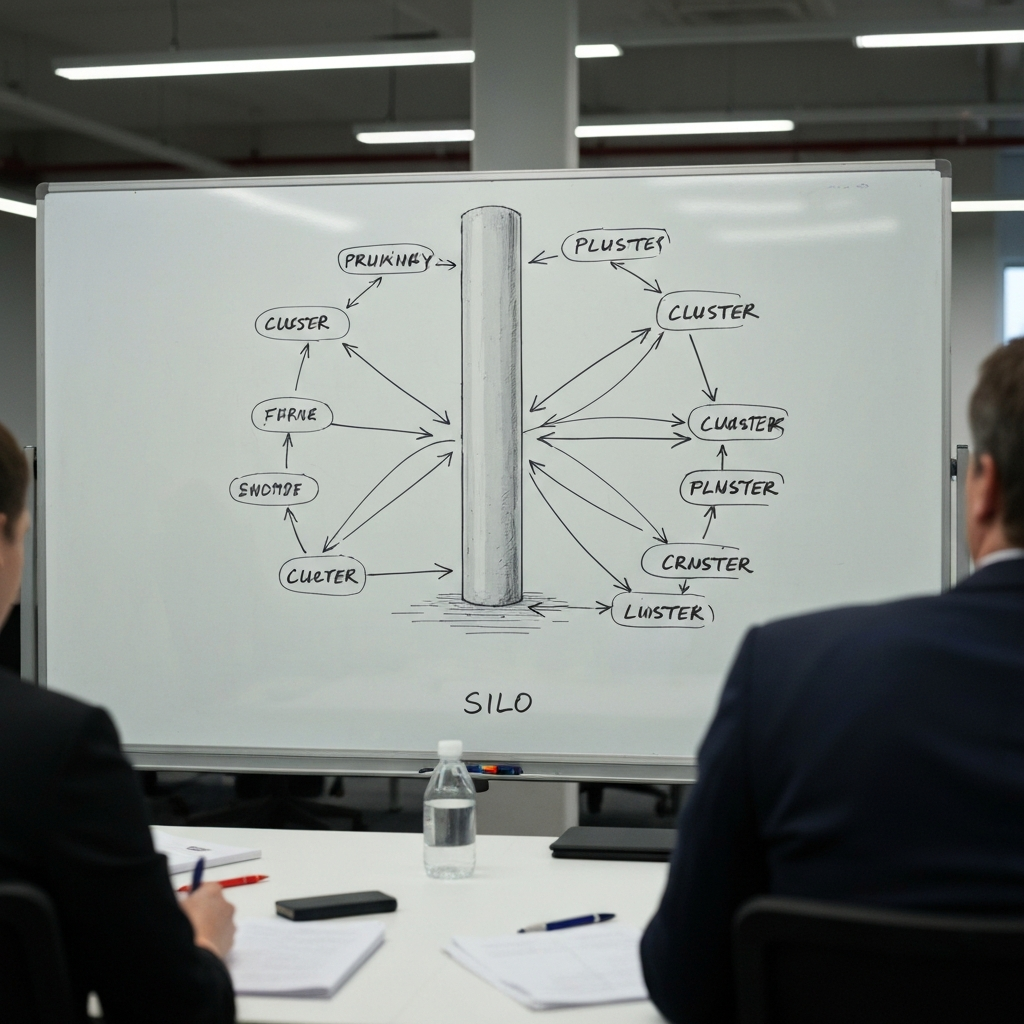
- Build Your Silo Map Before You Write
- Internal Linking That Feels Natural (And Still Passes Power)
- On-Page SEO + Information Architecture That Scale
- Conversion Layer: Turn the Silo Into a Revenue Path
- Publishing Sequence and Maintenance
- Common Mistakes That Kill Silos
- FAQ
- Resources / Tools
What a Content Silo Really Does (And Why It Works)
A content silo is a deliberate topic ecosystem: one pillar page that defines the subject, plus supporting pages that answer sub-questions, comparisons, and “how-to” steps. The links between them aren’t random. They’re designed to:
- Clarify topical authority (search engines understand what you’re about, fast).
- Concentrate internal PageRank (your best pages push strength to the pages that need it).
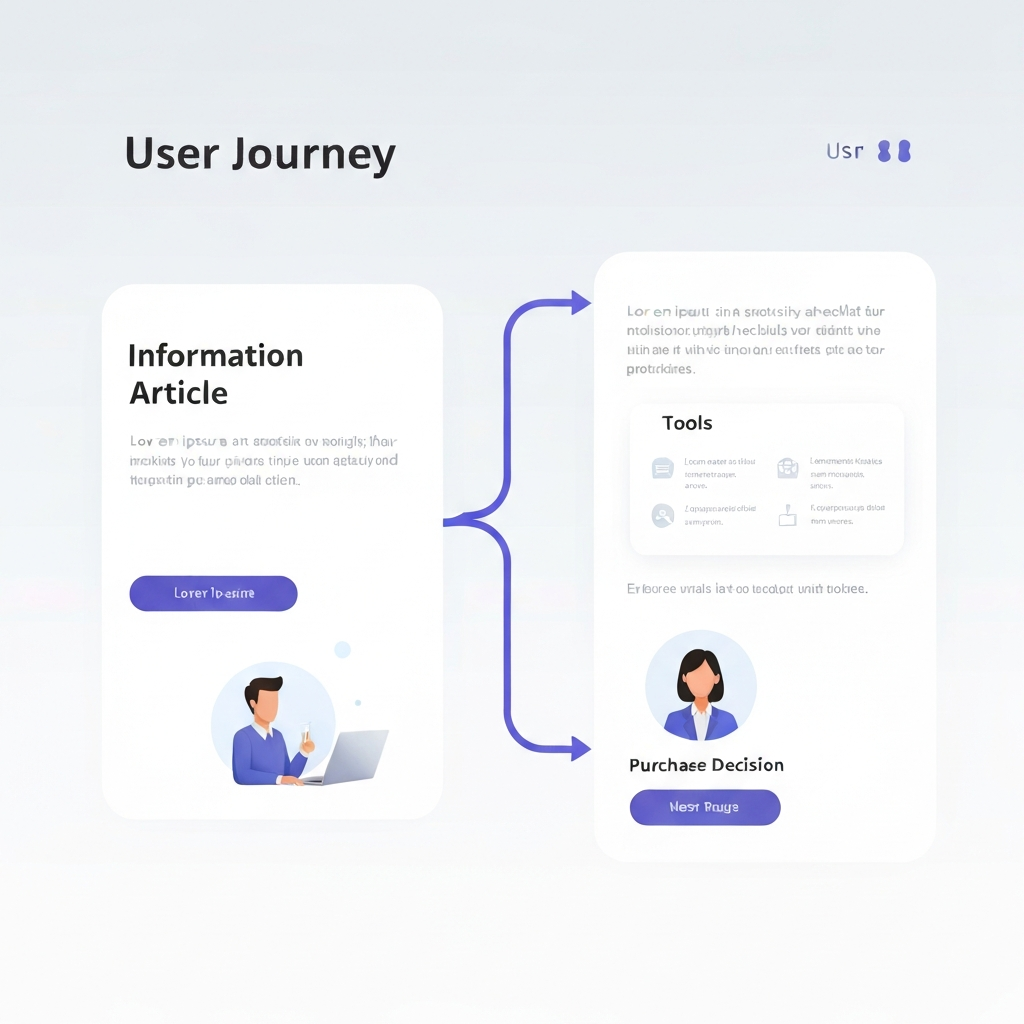
- Guide humans (readers flow from awareness → evaluation → action without bouncing).
Search engines reward structure because structure reduces ambiguity. If you want the official “don’t be confusing” version, Google’s own guidance on site organization and SEO basics is the closest thing to a cheat code: Google SEO Starter Guide and Google guidance on website structure.
And conversion? Structure makes the next step obvious. When your cluster pages feed the pillar, and the pillar feeds the money pages (tools, comparisons, templates), you stop “hoping” for conversions and start engineering them.
Choose a Silo Topic That Can Actually Make Money
Most silos fail before they start because the topic is emotionally exciting and commercially useless. Your silo topic must pass three tests:
1) The problem has depth (not just one answer)
If the topic can be solved in one paragraph, there’s nothing to build. You need a problem space with layers: setup, mistakes, tools, alternatives, upgrades, and “what to do when X happens.”
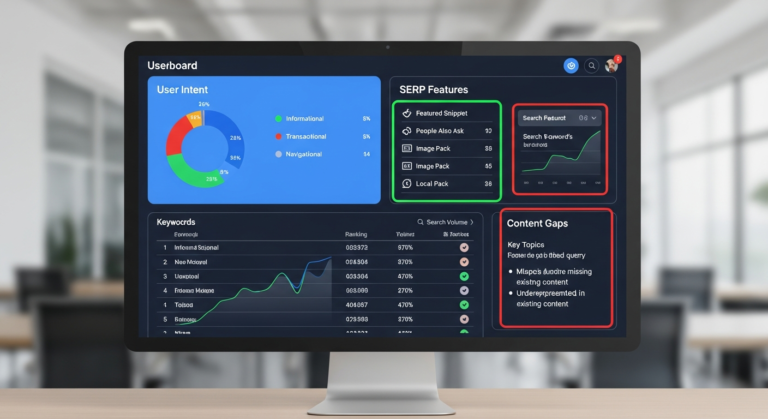
2) The SERP shows multiple intents
Open the top results and look for variety:
- Guides (informational)
- Templates/checklists (actionable)
- Comparisons (commercial investigation)
- Tools/resources (transactional-ish)
This is your silo fuel. If everything ranking is the same thin listicle, you’re about to build a cardboard house in the rain.
3) There is a natural monetization path
You’re not “adding affiliate links.” You’re matching tools to steps. For silos, the cleanest monetization path usually looks like:
- Education pages (teach the framework)
- Implementation pages (how-to, templates, workflows)
- Decision pages (best tools, comparisons, “X vs Y”)
Insider tip: If you can’t name 10 products or services that genuinely help someone execute the topic, the silo will struggle to convert.
The Silo Blueprint: Pillar, Clusters, and Bridges
Here’s the simplest silo model that works for both rankings and revenue:
Pillar page (the “hub”)
This is the flagship page that deserves links, updates, and polish. It should cover the topic end-to-end, then point to clusters for depth. Your pillar is not a “giant glossary.” It’s a decision-making guide with clear next steps.
Cluster pages (the “depth”)
Each cluster page targets one sub-intent and goes hard on it. Not “10 tips.” More like: the full process, examples, and pitfalls. Clusters should be link-worthy on their own.
Bridge pages (the “money connectors”)
These are pages like “best tools,” “best templates,” “X vs Y,” “recommended stack,” and “setup checklist.” Bridge pages convert because they capture mid-to-bottom funnel intent and send users to action.
If you want a clean mental model, think “library shelf,” not “pile of books.” The structure is what makes the collection valuable.
For a solid information architecture perspective that aligns with how humans scan and decide, Nielsen Norman Group’s IA content is consistently practical: NN/g on Information Architecture.
Build Your Silo Map Before You Write
Writing first and “organizing later” is how you end up with 70 posts that don’t rank and a headache that does.
Step A: Define the silo boundary (what’s in, what’s out)
Write a one-sentence scope statement. Example:
“This silo teaches creators how to plan, publish, and optimize content silos for SEO and affiliate conversions, including mapping, internal linking, and monetization pages.”
Then define exclusions: topics that belong elsewhere (email marketing basics, general blogging, social media strategy). Those can be other silos later.
Step B: Build the page list using a “question ladder”
Start with the pillar topic, then ladder out:
- How do I do it?
- What do I do first?
- What tools do I need?
- What mistakes break it?
- How do I measure success?
- What are the best options for X?
Each good question becomes a page or a subsection. If a subsection is bigger than ~700–900 words, it’s usually a cluster page candidate.
Step C: Assign each page a single job
Every page must answer one primary intent. If the page tries to educate, compare, and sell equally, it will do none of them well.
Internal Linking That Feels Natural (And Still Passes Power)
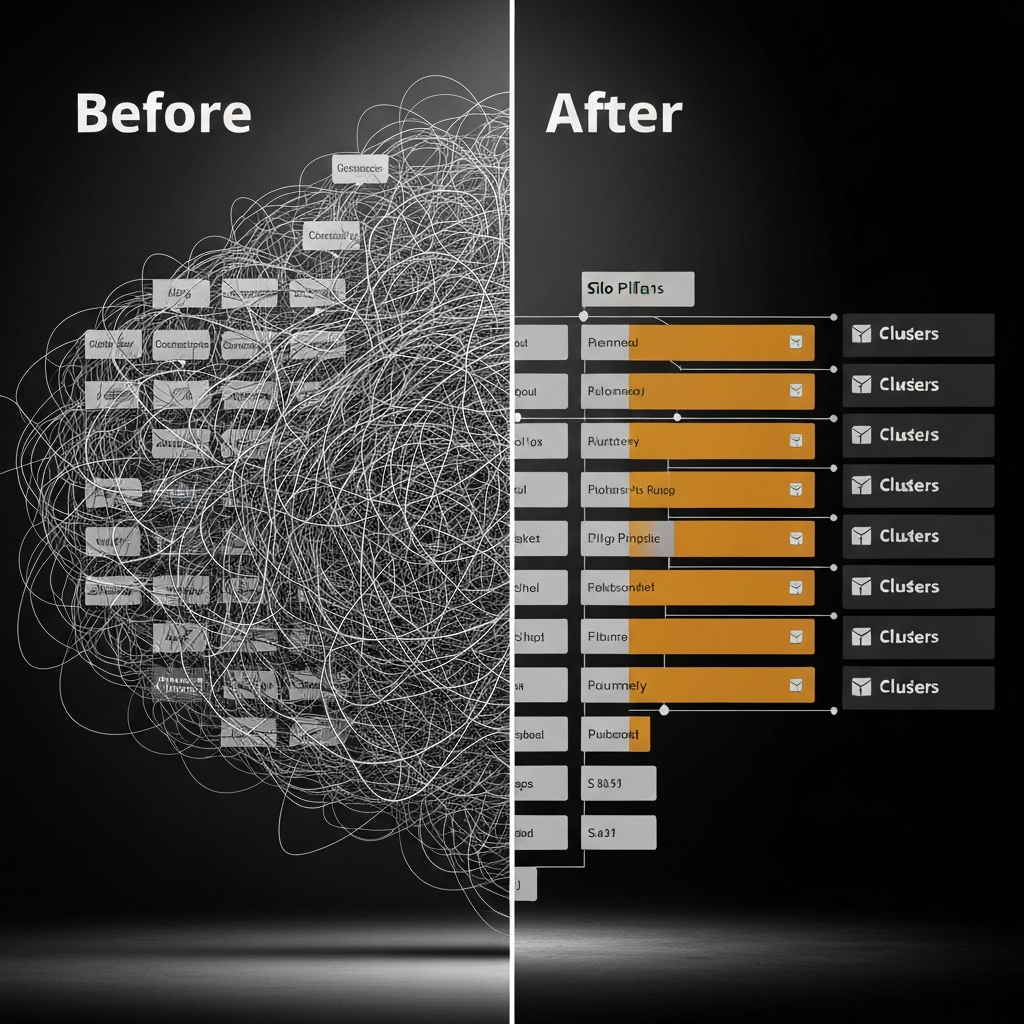
Internal linking is where most “silos” turn into spaghetti. You want a structure that makes sense to readers and reinforces topical relationships to search engines.
The 3-link rules that keep you out of trouble
- Pillar links down to clusters (depth).
- Clusters link up to the pillar (authority consolidation).
- Clusters cross-link only when it genuinely helps the reader (not because “SEO”).
Anchor text: don’t be weird
Use descriptive anchors that match the page’s promise. Not keyword-stuffed clones. If you want to play within the lines, align with Google’s link best practices: Google on making links crawlable.
Here are three internal links you’d place naturally inside your silo workflow (examples in the required format):
When you’re choosing the silo topic, use a validation checklist like a quick niche validation framework so you don’t build on a dead-end keyword set.
Before you publish, lock your structure with a pillar-and-cluster publishing sequence so Google and users see momentum instead of randomness.
And once traffic starts arriving, tighten the revenue path with conversion-focused internal linking patterns that guide readers to the right tool at the right time.
Insider tip: build “link magnets” inside the silo
Create one page that earns natural links: a template, a checklist, a calculator, or a small study. Then use that page to feed internal authority to the pillar and bridge pages. This is how small sites punch above their weight.
On-Page SEO + Information Architecture That Scale
A silo can be conceptually perfect and still underperform if your pages are sloppy. You’re building an asset; treat it like one.
URL and navigation consistency
- Use clean, readable URLs (no dates, no junk parameters).
- Keep the silo under a consistent directory when it makes sense (example:
/content-silos/). - Expose the silo in navigation or hub pages so humans can find it without search.
Headers that map to intent (not ego)
Your H2/H3 structure should match the reader’s decision path. If the query is “how to build,” lead with steps and decisions, not a history lesson.
Demonstrate experience without writing a memoir
Add “proof of work” signals:
- Specific examples (“Here’s how I’d structure a silo for X…”)
- Tradeoffs (“This ranks faster, but converts worse unless you add bridge pages.”)
- Constraints (“If your site is new, publish clusters first to earn relevance.”)
For quality guidance aligned with how search engines evaluate helpful pages, Google’s documentation on creating helpful, reliable content is worth internalizing: Creating helpful, reliable, people-first content. Bing’s webmaster guidelines are also refreshingly direct: Bing Webmaster Guidelines.
Conversion Layer: Turn the Silo Into a Revenue Path
Ranking is attention. Conversions are intent management.
Here’s the conversion layer that works without turning your content into a used-car lot:
1) Put “next step” CTAs where the reader naturally hesitates
Readers hesitate after:
- They understand the framework (now what?)
- They hit a decision (which option?)
- They realize work is involved (can I simplify this?)
At those points, offer a relevant next step: a checklist download, a tools page, or a comparison.
2) Use bridge pages to monetize without contaminating education pages
Your pillar and clusters should build trust. Your bridge pages harvest intent. Keep them connected, but don’t cram product pitches into every paragraph.
3) Match products to tasks, not to your commission rate
Experience-based rule: the highest-converting recommendations are boringly appropriate. The reader thinks, “Yep, that’s exactly what I need,” and clicks without drama.
Insider tip: add “choice reduction” blocks
People don’t convert when they’re overwhelmed. Offer 3 options max (good/better/best) on bridge pages. You can list more, but your “recommended” path should be tight.
Publishing Sequence and Maintenance
Publishing order matters more than people admit.
A sequence that works for new or rebuilding sites
- Phase 1: Publish 4–6 cluster pages first (long, specific, intent-matched).
- Phase 2: Publish the pillar page and link it to those clusters immediately.
- Phase 3: Publish 2–3 bridge pages (tools, comparisons, templates) once you see impressions.
Why this works: clusters create topical surface area, the pillar consolidates authority, and bridge pages monetize once traffic arrives.
Maintenance: update like a grown-up
- Refresh the pillar quarterly (new examples, clearer sections, better CTAs).
- Update bridge pages monthly if products/tools change.
- Prune or merge weak clusters that overlap.
One practical measurement habit: track internal link clicks (events) and scroll depth on pillar + bridge pages. If people aren’t reaching the decision sections, you have a structure problem, not a “traffic problem.”
Common Mistakes That Kill Silos
- Building one giant pillar and calling it a silo: A silo needs supporting pages. Otherwise it’s a monolith with no internal reinforcement.
- Creating clusters that cannibalize each other: If two pages answer the same intent, Google will rotate them or rank neither strongly.
- Over-linking with robotic anchors: If every anchor looks like a keyword, it reads unnatural and performs worse over time.
- Ignoring bridge pages: You’ll rank and still make nothing. Traffic without a decision path is just server costs.
- Publishing out of order: Random posts create random signals. Tight sequences create clear signals.
FAQ
How many pages should a content silo have?
Start with 1 pillar + 6–12 clusters + 2–4 bridge pages. If you can’t support that many without fluff, the topic is probably too small.
Do silos require a specific URL structure (like /category/)?
No. URL structure helps, but internal linking and intent clarity matter more. Use directories when they improve navigation and future scaling.
Should I link every cluster page to every other cluster page?
No. Cross-link only when it genuinely helps the reader. Forced cross-linking creates noise and weakens topical focus.
What’s the fastest way to build topical authority with a silo?
Publish clusters in a tight sprint (2–3 weeks) with consistent internal links, then launch the pillar page to consolidate the theme.
How do I avoid keyword cannibalization inside a silo?
Assign one primary intent per page. If two pages start answering the same question, merge them or differentiate the angle (beginner vs advanced, setup vs troubleshooting).
Is a silo the same as a category?
Not necessarily. A category is a label. A silo is a planned interlinked system with a pillar, clusters, and a conversion path.
How long does it take for a silo to rank?
Depends on site strength and competition, but silos usually show earlier movement because the internal structure clarifies relevance faster than random posting.
Do I need backlinks for a silo to work?
Backlinks help, but a well-built silo can rank for long-tail and mid-tail queries with smart internal linking and strong content. Then you earn links more easily.
Where should affiliate links go in a silo?
Mostly on bridge pages and “implementation” sections where tools are the obvious next step. Keep educational pages clean and trust-building.
What’s one “pro move” most people skip?
Create one linkable asset inside the silo (template, checklist, mini-study). It attracts external links and amplifies the whole cluster internally.
Resources / Tools
These are practical, Amazon-findable tools that make silo planning, publishing, and optimization easier. Use the ones that match your workflow; skip the rest.
- Content strategy book (practical frameworks)
Benefit: Gives you repeatable models for planning pillars, clusters, and editorial intent.
Best for: Turning “ideas” into publishable structure.
Search on Amazon - SEO handbook / modern SEO guide
Benefit: Keeps your on-page and internal linking decisions aligned with search behavior.
Best for: Avoiding outdated tactics and guesswork.
Search on Amazon - Large whiteboard for silo mapping
Benefit: Forces clarity when mapping pillar → clusters → bridge pages and link routes.
Best for: Visual planners who think in systems.
Search on Amazon - Sticky notes (multiple colors)
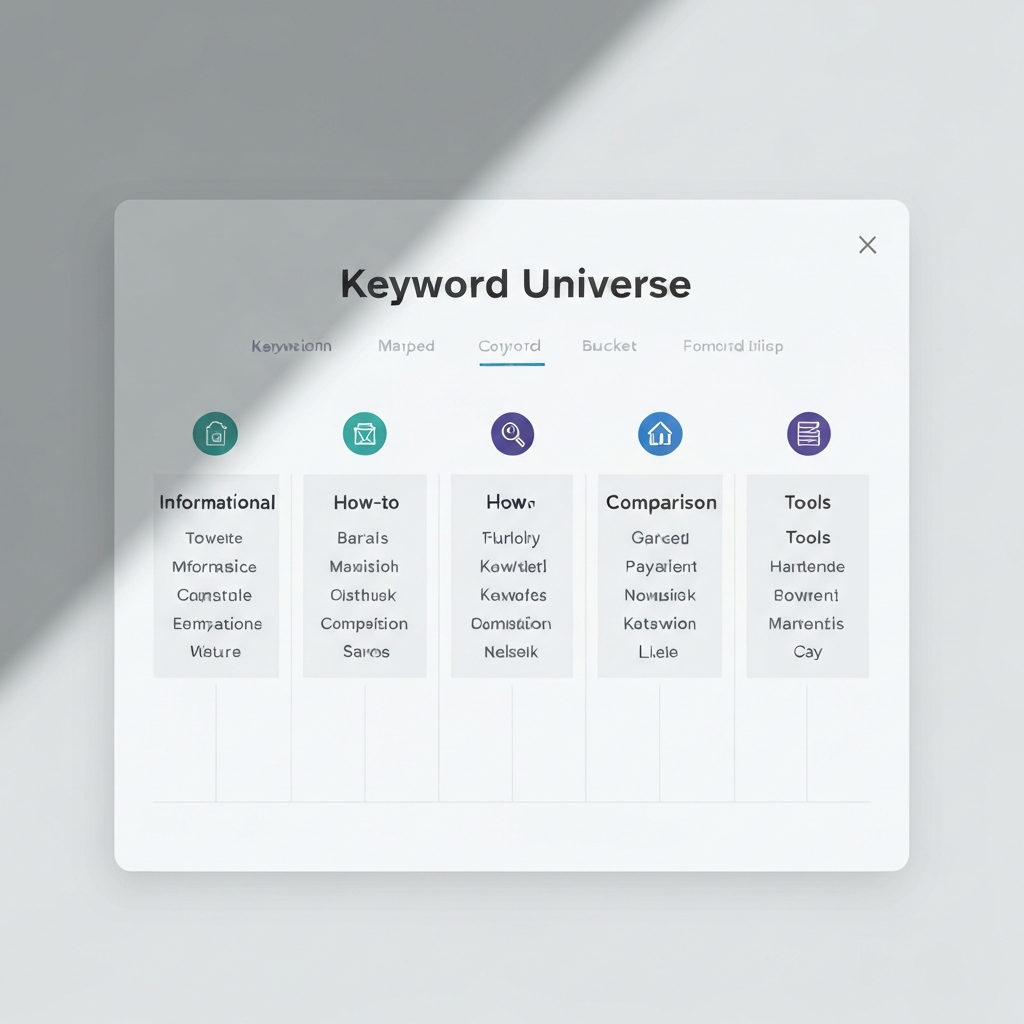
Benefit: Lets you label intent types (info/how-to/comparison/tools) and rearrange fast.
Best for: Building a silo map before touching WordPress.
Search on Amazon - Index cards for page briefs
Benefit: One card per page: intent, title, CTA, internal links, and proof points.
Best for: Keeping writers (or future-you) consistent.
Search on Amazon - Editorial content planner (undated)
Benefit: Tracks publish sequence, updates, and bridge page refresh cycles.
Best for: Running publishing sprints without chaos.
Search on Amazon - Dual monitor setup (or portable monitor)
Benefit: Speeds up research, outlining, and internal link management (less tab juggling).
Best for: High-output content production.
Search on Amazon - Ergonomic mouse
Benefit: Makes long editing and site-architecture work less painful (seriously).
Best for: Anyone publishing weekly.
Search on Amazon - Desk lamp with adjustable brightness
Benefit: Better focus for mapping and editing sessions, especially at night.
Best for: Consistent work blocks and clean video calls if you record.
Search on Amazon - Notebook for testing logs
Benefit: Track what you changed (links, CTAs, structure) and what happened afterward.
Best for: Avoiding “I think I changed something…” syndrome.
Search on Amazon
As an Amazon Associate I earn from qualifying purchases.